
plenoptic.models.DeepNetFeatures#
Note
This object is a torch.nn.Module. It therefore has all the methods and attributes
from that class, even though they are not documented here (to avoid cluttering this page).
- class plenoptic.models.DeepNetFeatures(model, return_nodes, transform=None)[source]#
Bases:
ModuleReturn features from deep neural network layers.
This adapter takes a torch model, such as a deep neural network, and returns the activations of the specified layer(s). It also takes an optional preprocessing transform to apply before passing the input to the model.
This adapter is intended to work with deep neural networks from TorchVision and timm, two model zoos from the deep learning community that contain a large number of models.
For more details on the node naming conventions used here, please see the About Node Names heading in the torchvision documentation.
Attention
This model requires the optional dependency
torchvision. Make sure it is installed before initializing this model.See Using Deep Neural Networks with plenoptic in the documentation for more details and an example of how to use.
- Parameters:
model (
Module) – The pytorch module to use.return_nodes (
str|list[str] |dict[str,str]) – The names of the nodes to return. See Examples and torchvision documentation.transform (
Module|Callable[[Tensor],Tensor] |None(default:None)) – Pre-processing transform to apply to image before passing to model. IfNone, will not apply any transform. Intended use case is for e.g., the ImageNet color normalization step.
- Raises:
ImportError – If torchvision is not installed.
- Warns:
UserWarning – If the input model is in training mode.
Notes
Note that many deep nets have different behavior in training and evaluation mode. When using them for synthesis, models are fixed and so we want the evaluation behavior. Thus, it’s strongly encouraged to call
.eval()before initializing a synthesis object using such models. That can be done either before or after initializingDeepNetFeatures. See Using Deep Neural Networks with plenoptic and Model requirements in the documentation for details.Examples
Use with a torchvision model. For more details about the following steps, see Using Deep Neural Networks with plenoptic in the documentation.
>>> import plenoptic as po
>>> import torchvision
>>> weights = torchvision.models.ResNet50_Weights.IMAGENET1K_V1
>>> # Many deep nets, including ResNet50, have different behavior in training
>>> # and evaluation mode; we want evaluation behavior. See Notes for details.
>>> tv_model = torchvision.models.resnet50(weights=weights).eval()
>>> # This model's transform consists of resizing, cropping, and normalizing.
>>> # We recommend only including the normalizing in the transform.
>>> tv_transform = weights.transforms()
>>> tv_transform
ImageClassification(
    crop_size=[224]
    resize_size=[256]
    mean=[0.485, 0.456, 0.406]
    std=[0.229, 0.224, 0.225]
    interpolation=InterpolationMode.BILINEAR
)
>>> norm = torchvision.transforms.Normalize(tv_transform.mean, tv_transform.std)
>>> model = po.models.DeepNetFeatures(tv_model, "layer2", norm)
>>> # this model requires an RGB input (with 3 elements in the channel
>>> # dimension), and expects it to have a certain height and width.
>>> img = po.process.center_crop(
...     po.data.einstein(as_gray=False), tv_transform.crop_size[0]
... )
>>> img.shape
torch.Size([1, 3, 224, 224])
>>> model(img).shape
torch.Size([1, 401408])
Before using the model with plenoptic’s synthesis objects, we must remove the gradients with respect to the model parameters, since the model is now fixed. We can use the helper function
plenoptic.remove_gradto do this:>>> po.remove_grad(model)
Plenoptic includes the
plenoptic.validate.validate_modelfunction to validate that a model is compatible with our synthesis objects. If the following line passes, then the model is ready to be used with our synthesis objects! If not, the error message should point out next steps.>>> po.validate.validate_model(model, image_shape=img.shape, device=img.device)
Use with a timm model. The primary difference is in the syntax for retrieving the model and the transform:
Attention
The following block requires the additional package
timm.>>> import timm >>> from timm.data import resolve_data_config >>> from timm.data.transforms_factory import create_transform >>> timm_model = timm.create_model("timm/resnet50.tv_in1k", pretrained=True).eval() >>> # Create Transform >>> timm_transform = create_transform( ... **resolve_data_config(timm_model.pretrained_cfg, model=timm_model) ... ) >>> # This model has the same resizing, cropping, normalizing transform as above, >>> # but timm allows us to explicitly select the different steps >>> timm_transform Compose( Resize(size=256, interpolation=bilinear, max_size=None, antialias=True) CenterCrop(size=(224, 224)) MaybeToTensor() Normalize(mean=tensor([0.4850, ...]), std=tensor([0.2290, ...])) ) >>> timm_crop = timm_transform.transforms[1] >>> timm_norm = timm_transform.transforms[-1] >>> model = po.models.DeepNetFeatures(timm_model, "layer2", timm_norm) >>> # this model requires an RGB input (with 3 elements in the channel dimension), >>> # and expects it to have a certain height and width. >>> img = timm_crop(po.data.einstein(as_gray=False)) >>> img.shape torch.Size([1, 3, 224, 224]) >>> model(img).shape torch.Size([1, 401408]) >>> po.remove_grad(model) >>> po.validate.validate_model(model, image_shape=img.shape)
The torchvision function
torchvision.models.feature_extraction.get_graph_node_namesallows us to view possible node names:>>> from torchvision.models import feature_extraction >>> # This function returns two lists, one for nodes in train mode, one for those in >>> # eval mode. We want the eval mode list: >>> node_names = feature_extraction.get_graph_node_names(tv_model)[1] >>> len(node_names) 176 >>> node_names[77:81] ['layer2.3.add', 'layer2.3.relu_2', 'layer3.0.conv1', 'layer3.0.bn1'] >>> model = po.models.DeepNetFeatures(tv_model, node_names[78], norm) >>> model(img).shape torch.Size([1, 401408])
We can even pass multiple node names, in which case all corresponding outputs are concatenated together. Thus, as can be seen below, the number of elements in the representation of the model with multiple layers is the sum of the number of elements in the representations of all single-layer models.
>>> model = po.models.DeepNetFeatures(tv_model, ["layer4"], norm)
>>> model(img).shape
torch.Size([1, 100352])
>>> model = po.models.DeepNetFeatures(tv_model, ["layer2", "layer4"], norm)
>>> model(img).shape
torch.Size([1, 501760])
The order of elements in
return_nodesdoes not matter: the outputs are always returned based on their order inmodel.>>> rep = model(img) >>> model = po.models.DeepNetFeatures(tv_model, ["layer4", "layer2"], norm) >>> rep[0, 0] == model(img)[0, 0] tensor(True)
The function
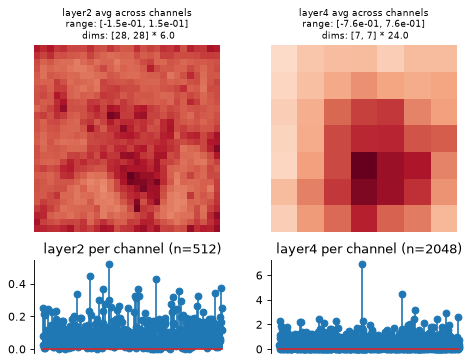
convert_to_dictwill convert the output offorwardto a dictionary and return its elements to their original shape. This may be useful for plotting or investigation.>>> [(k, v.shape) for k, v in model.convert_to_dict(model(img)).items()] [('layer2', torch.Size([1, 512, 28, 28])), ('layer4', torch.Size([1, 2048, 7, 7]))]
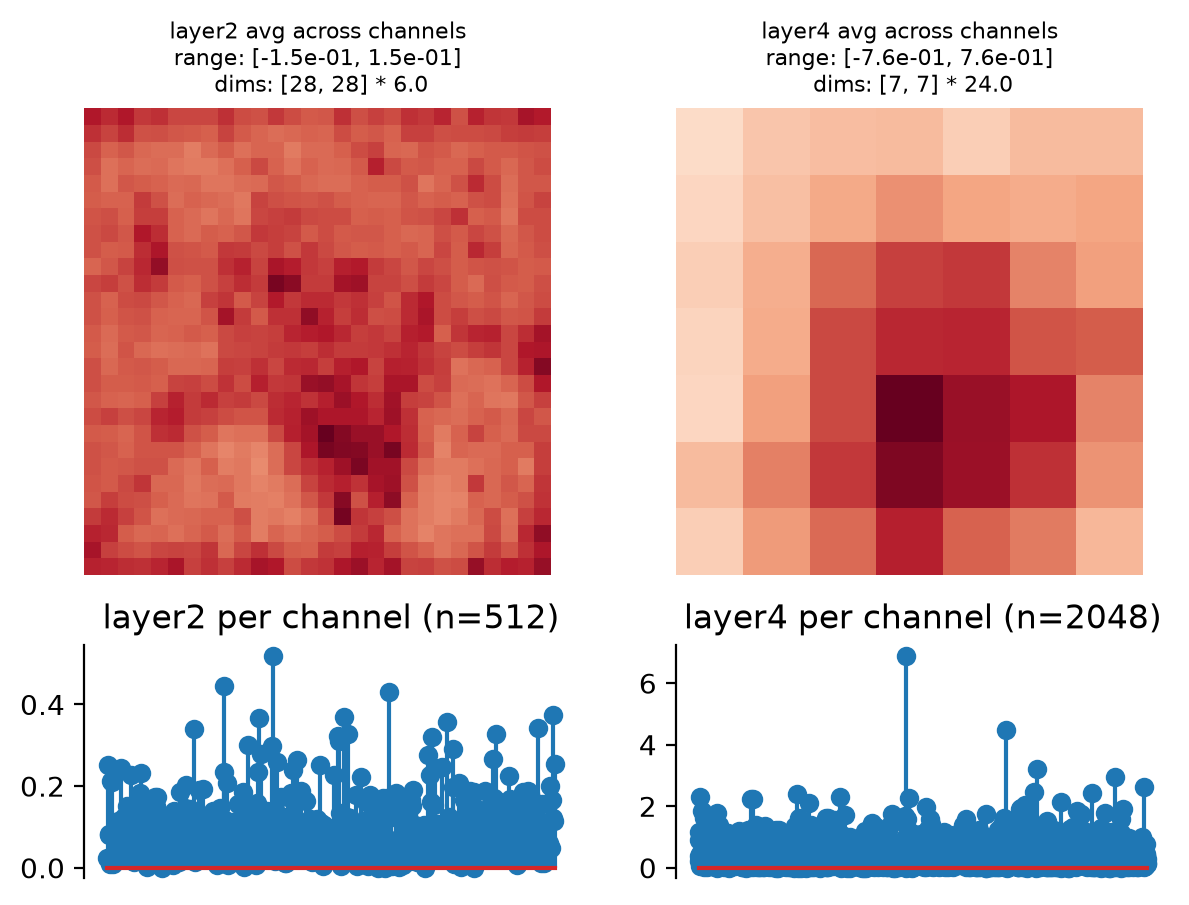
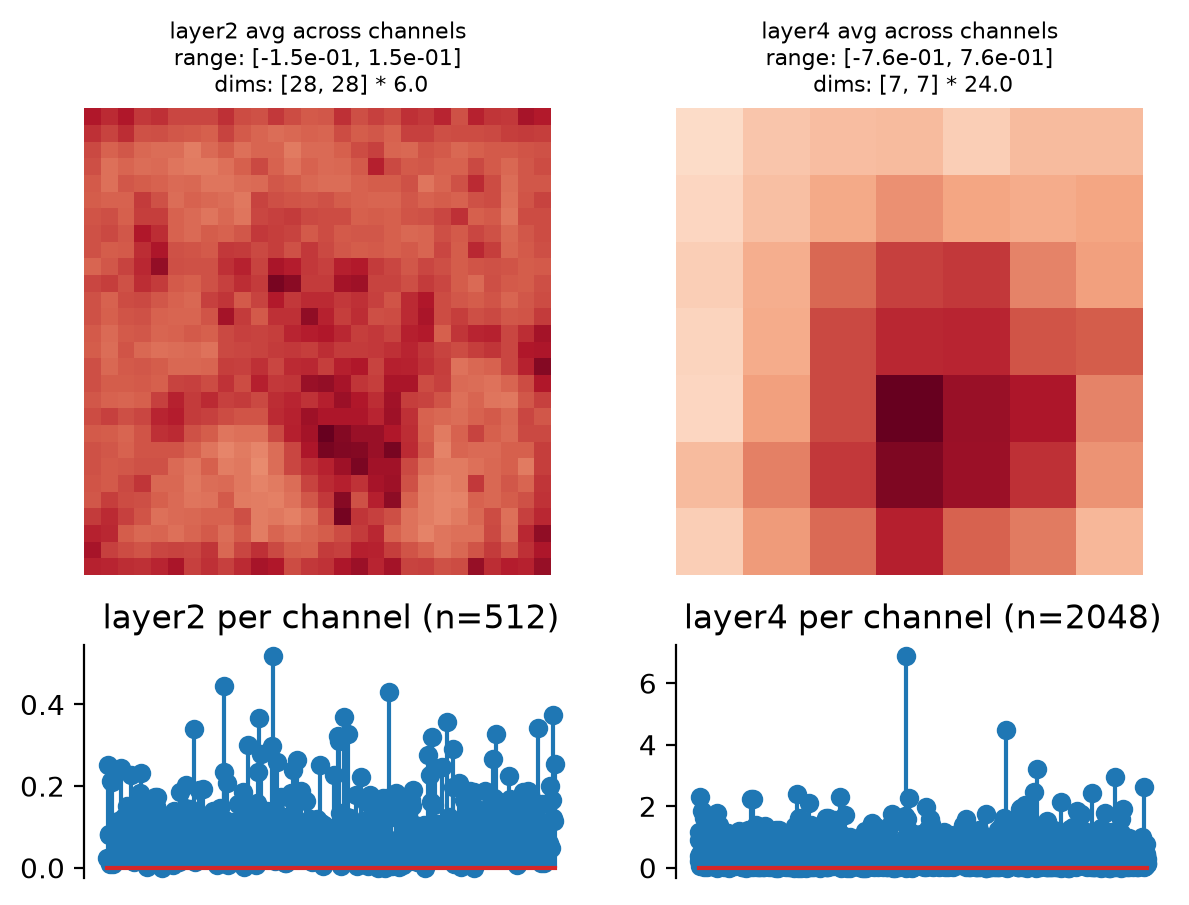
Visualize model representation with
plot_representation:>>> fig, axes = model.plot_representation(model(img))
Methods
convert_to_dict(representation_tensor)Convert tensor of statistics to a dictionary.
convert_to_tensor(representation_dict)Convert dictionary of statistics to a tensor.
forward(x)Compute feature activity of an input.
plot_representation(data[, ax, figsize, ...])Plot model representation.
update_plot(axes, data[, batch_idx, ...])Update representation plot (for an animation).
- convert_to_dict(representation_tensor)[source]#
Convert tensor of statistics to a dictionary.
The output of
forwardis flattened so as to allow us to return a single tensor, regardless of the specified features. This function undoes that flattening, returning a dictionary whose keys are the feature names and whose values have the original shape. This may be useful for investigation or plotting.This function requires calling either
forwardorconvert_to_tensorfirst, so that it knows how to properly reshape the input.- Parameters:
representation_tensor (
Tensor) – 2d tensor of model representation, e.g., the output offorward.- Return type:
- Returns:
representation_dict – Dictionary of representation, with informative keys.
- Raises:
ValueError – If
forwardorconvert_to_tensorwas not called before this one, because then we don’t know how to properly reshape.
See also
convert_to_tensorConvert dictionary representation to a 2d tensor.
Examples
>>> import plenoptic as po
>>> import torchvision
>>> weights = torchvision.models.ResNet50_Weights.IMAGENET1K_V1
>>> tv_model = torchvision.models.resnet50(weights=weights).eval()
>>> # This model's transform consists of resizing, cropping, and normalizing.
>>> # We recommend only including the normalizing in the transform.
>>> tv_transform = weights.transforms()
>>> norm = torchvision.transforms.Normalize(tv_transform.mean, tv_transform.std)
>>> model = po.models.DeepNetFeatures(tv_model, ["layer2", "layer4"], norm)
>>> # this model requires an RGB input (with 3 elements in the channel
>>> # dimension), and expects it to have a certain height and width.
>>> img = po.process.center_crop(
...     po.data.einstein(as_gray=False), tv_transform.crop_size[0]
... )
>>> representation_dict = model.convert_to_dict(model(img))
>>> [(k, v.shape) for k, v in representation_dict.items()]
[('layer2', torch.Size([1, 512, 28, 28])),
 ('layer4', torch.Size([1, 2048, 7, 7]))]
- convert_to_tensor(representation_dict)[source]#
Convert dictionary of statistics to a tensor.
The output has shape
(batch, representation), flattening and concatenating across all representation features, channels, and additional dimensions. The dictionary representation may be easier to make sense of.- Parameters:
representation_dict (
OrderedDict[str,Tensor]) – Dictionary of representation, whose keys are the feature names and whose values are tensors in the original shape.- Return type:
- Returns:
representation_tensor – Feature activity as a 2d tensor, of shape
(batch, representation).
See also
convert_to_dictConvert tensor representation to a dictionary, whose keys are the feature names, with their original shapes.
Examples
>>> import plenoptic as po
>>> import torchvision
>>> weights = torchvision.models.ResNet50_Weights.IMAGENET1K_V1
>>> tv_model = torchvision.models.resnet50(weights=weights).eval()
>>> # This model's transform consists of resizing, cropping, and normalizing.
>>> # We recommend only including the normalizing in the transform.
>>> tv_transform = weights.transforms()
>>> norm = torchvision.transforms.Normalize(tv_transform.mean, tv_transform.std)
>>> model = po.models.DeepNetFeatures(tv_model, ["layer2", "layer4"], norm)
>>> # this model requires an RGB input (with 3 elements in the channel
>>> # dimension), and expects it to have a certain height and width.
>>> img = po.process.center_crop(
...     po.data.einstein(as_gray=False), tv_transform.crop_size[0]
... )
>>> representation_tensor = model(img)
>>> representation_dict = model.convert_to_dict(representation_tensor)
>>> representation_tensor_new = model.convert_to_tensor(representation_dict)
>>> torch.equal(representation_tensor, representation_tensor_new)
True
- forward(x)[source]#
Compute feature activity of an input.
We flatten across all dimensions except the batch / first dimension. This allows us to support returning features of different shapes and dimensionality (as is common across layers in deep nets), while still returning only a single tensor, as is necessary for our synthesis methods.
Note that it is preferred to call the model (e.g., model(img)) rather than this method directly (e.g., model.forward(img)), since the former will run this method as well as any registered hooks. See
torch documentationfor details.- Parameters:
x (
Tensor) – The tensor to analyze.- Return type:
- Returns:
representation_tensor – The feature activity as a 2d tensor, of shape
(batch, representation).
See also
convert_to_dictConvert tensor representation to a dictionary, whose keys are the feature names, with their original shapes.
Examples
>>> import plenoptic as po
>>> import torchvision
>>> weights = torchvision.models.ResNet50_Weights.IMAGENET1K_V1
>>> tv_model = torchvision.models.resnet50(weights=weights).eval()
>>> # This model's transform consists of resizing, cropping, and normalizing.
>>> # We recommend only including the normalizing in the transform.
>>> tv_transform = weights.transforms()
>>> norm = torchvision.transforms.Normalize(tv_transform.mean, tv_transform.std)
>>> model = po.models.DeepNetFeatures(tv_model, "layer2", norm)
>>> # this model requires an RGB input (with 3 elements in the channel
>>> # dimension), and expects it to have a certain height and width.
>>> img = po.process.center_crop(
...     po.data.einstein(as_gray=False), tv_transform.crop_size[0]
... )
>>> model(img).shape
torch.Size([1, 401408])
- plot_representation(data, ax=None, figsize=None, ylim=False, batch_idx=0, title=None)[source]#
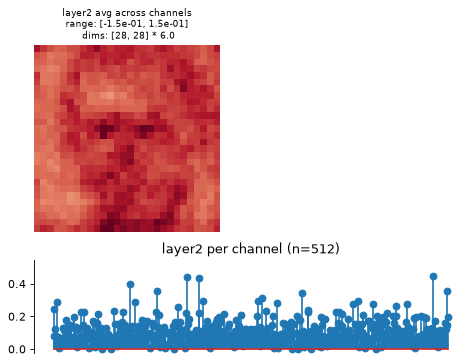
Plot model representation.
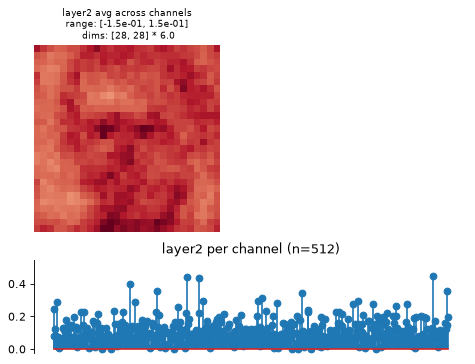
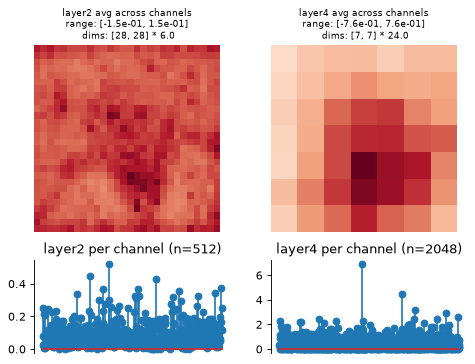
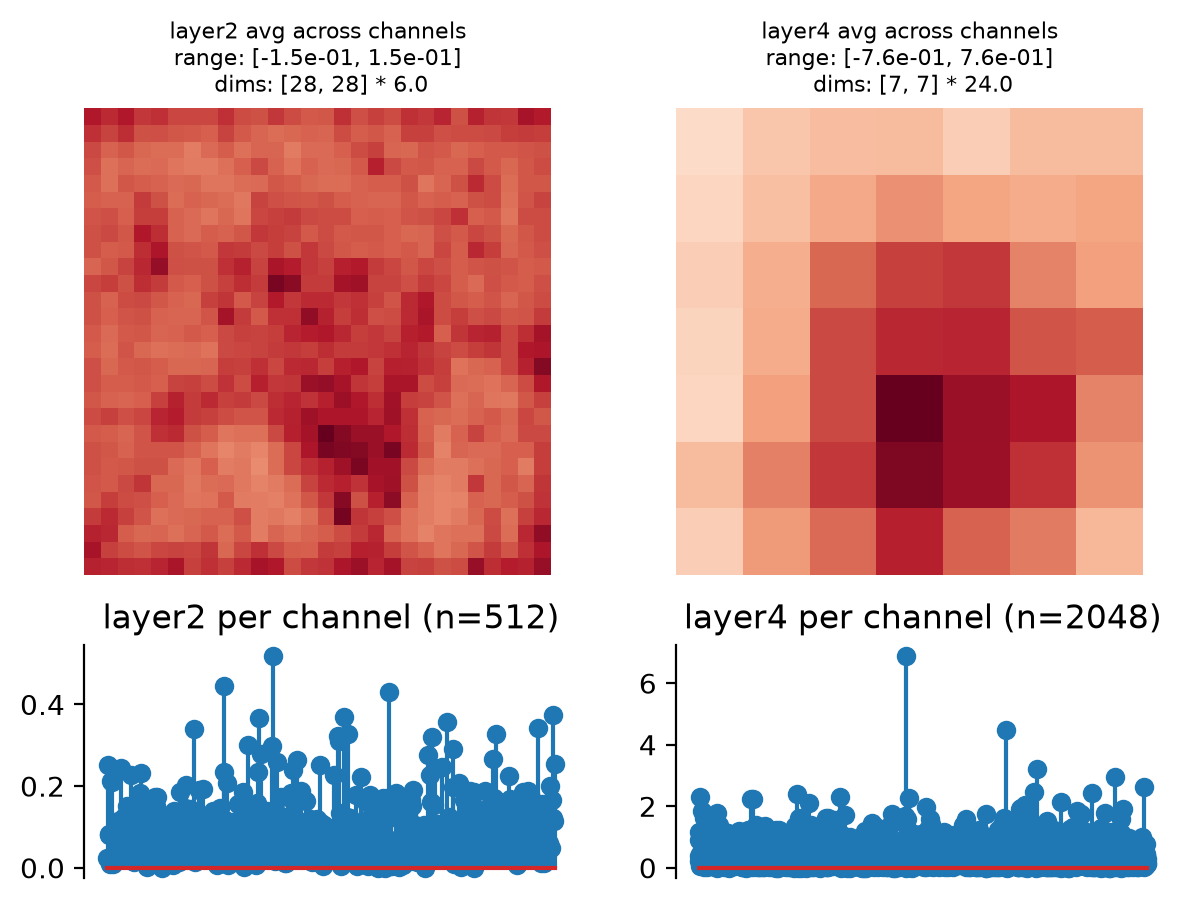
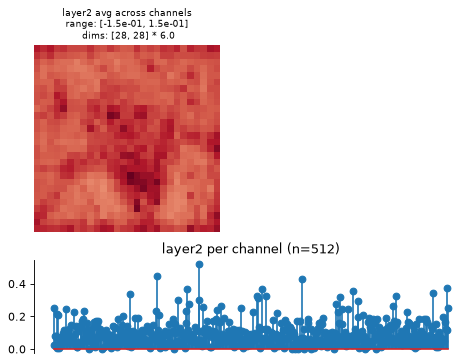
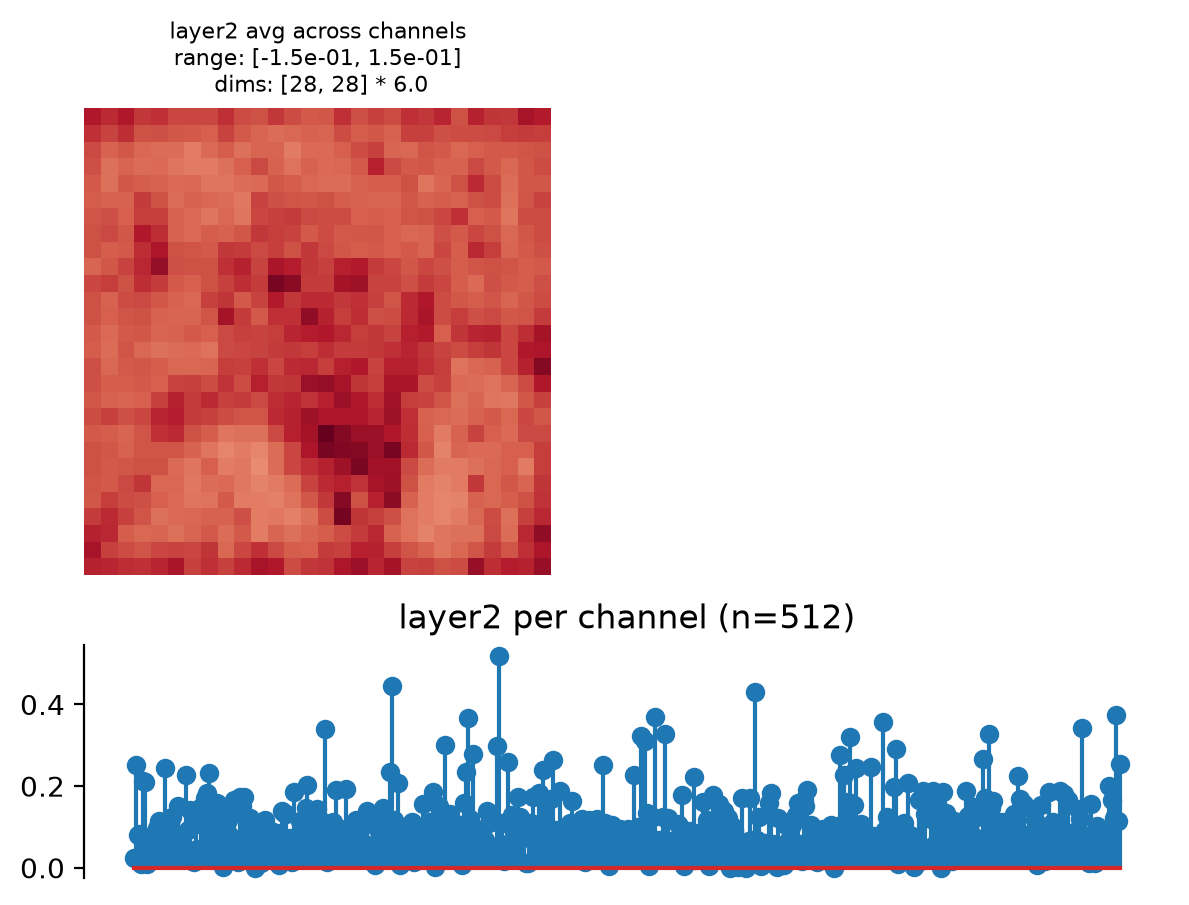
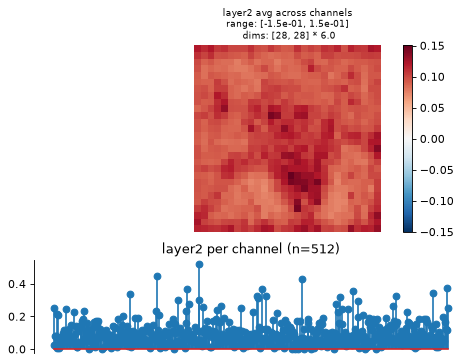
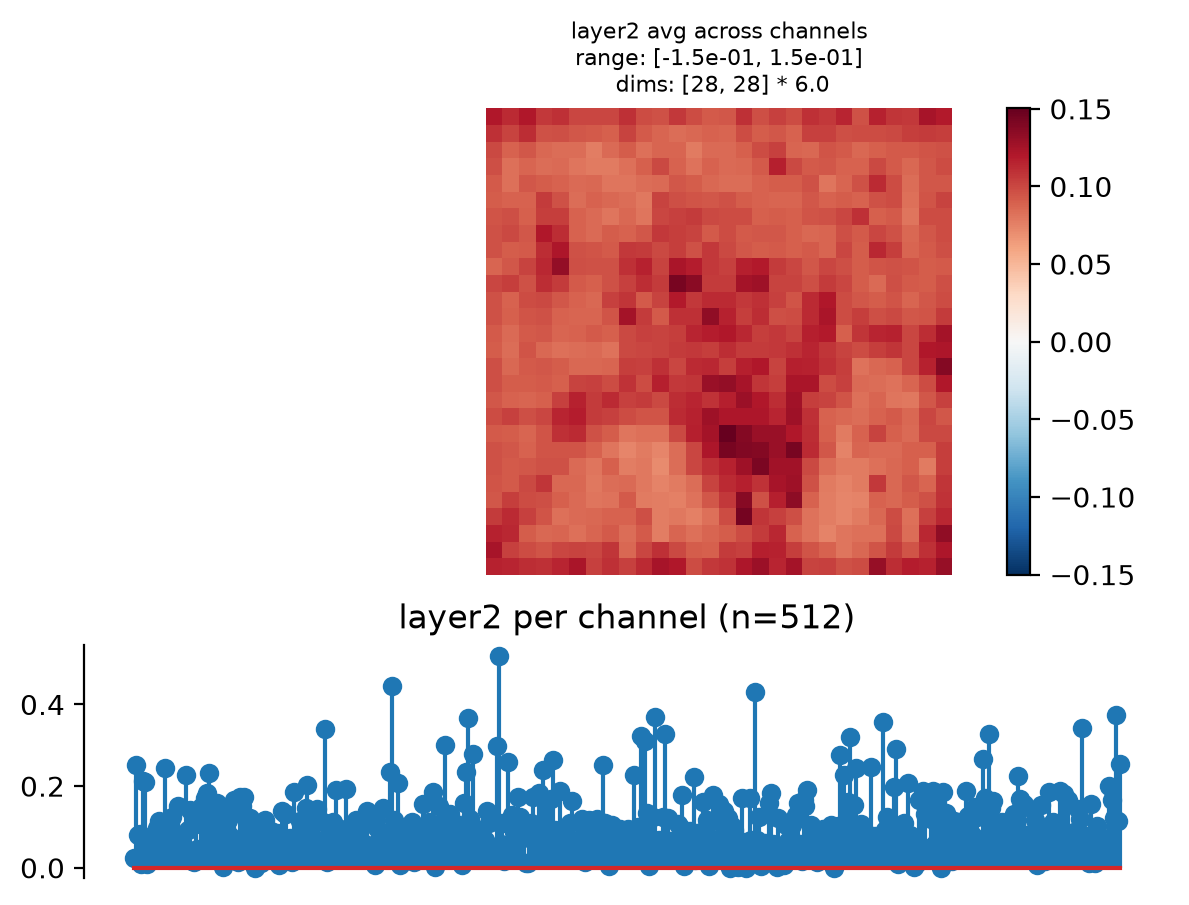
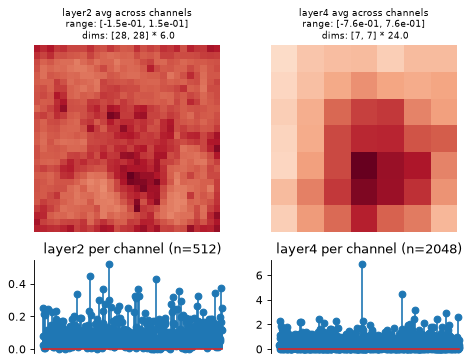
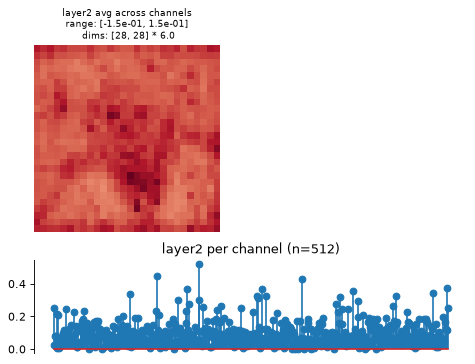
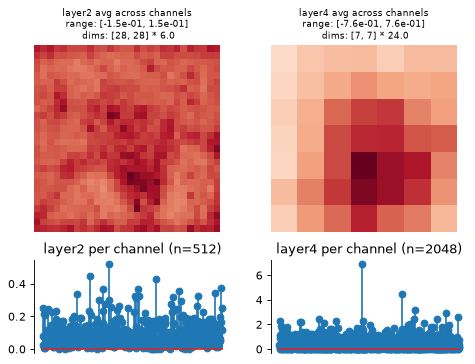
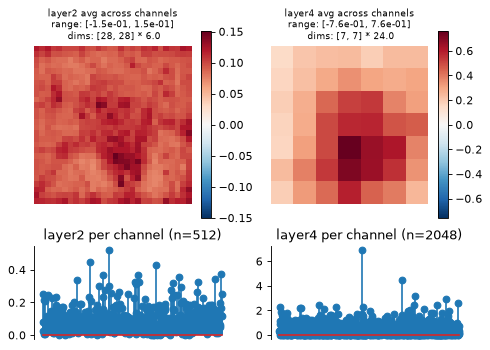
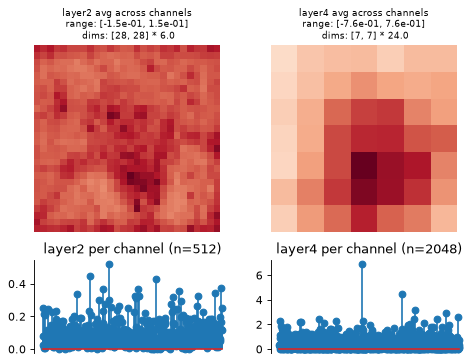
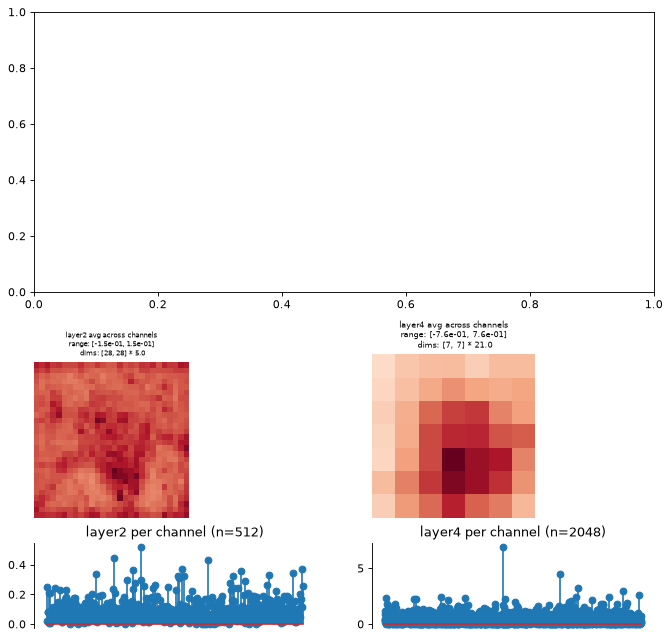
This creates two plots: one containing the representation averaged across all channels, and one containing the per-channel representation, i.e., the representation averaged across all dimensions except channels.
Intended for neural networks, e.g., models whose output at each node has many channels and one or two additional dimensions.
- Parameters:
data (
Tensor|dict[str,Tensor]) – The data to show on the plot. Should look like the output offorwardorconvert_to_dict, with the exact same structure (e.g., as returned by another instance of this class).ax (
Axes|None(default:None)) – Axes where we will plot the data. If aplt.Axesinstance, will subdivide into 6 or 8 new axes (depending on self.n_scales). IfNone, we create a new figure.figsize (
tuple[float,float] |None(default:None)) – The size of the figure to create. Must beNoneif ax is notNone. If both figsize and ax areNone, then we setfigsize=(7, 5).ylim (
tuple[float,float] |Literal[False] |None(default:False)) – If notNone, the y-limits to use for this plot. IfNone, we adjust y-limits to be symmetrical about 0. IfFalse, do not change y-limits.batch_idx (
int(default:0)) – Which index to take from the batch dimension (the first one).
- Return type:
- Returns:
fig – Figure containing the plot.
axes – List of axes containing the plot. Number of axes will be two per node.
- Raises:
ValueError – If both
figsizeandaxare notNone.
Examples
>>> import plenoptic as po
>>> import torchvision
>>> weights = torchvision.models.ResNet50_Weights.IMAGENET1K_V1
>>> tv_model = torchvision.models.resnet50(weights=weights).eval()
>>> # This model's transform consists of resizing, cropping, and normalizing.
>>> # We recommend only including the normalizing in the transform.
>>> tv_transform = weights.transforms()
>>> norm = torchvision.transforms.Normalize(
...     tv_transform.mean, tv_transform.std
... )
>>> model = po.models.DeepNetFeatures(tv_model, "layer2", norm)
>>> # this model requires an RGB input (with 3 elements in the channel
>>> # dimension), and expects it to have a certain height and width.
>>> img = po.process.center_crop(
...     po.data.einstein(as_gray=False), tv_transform.crop_size[0]
... )
>>> model.plot_representation(model(img))
(<Figure ...>, [<Axes...>, <Axes...>])
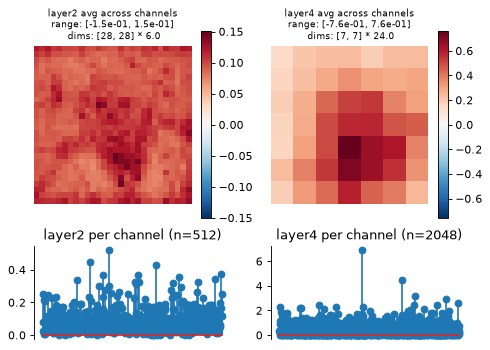
Add a colorbar for the first plot:
>>> fig, axes = model.plot_representation(model(img))
>>> fig.colorbar(axes[0].images[0], ax=axes[0])
<matplotlib.colorbar.Colorbar object ...>
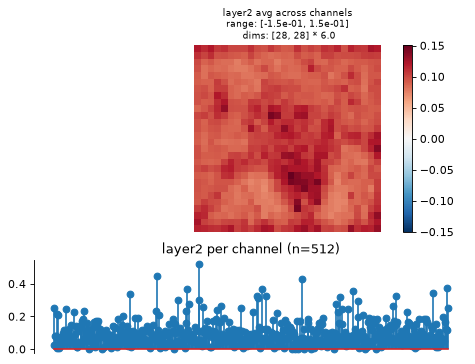
This function creates two axes per node, one showing the representation averaged across channels, one showing it per channel (averaging across any additional dimensions):
>>> model = po.models.DeepNetFeatures(tv_model, ["layer2", "layer4"], norm)
>>> model.plot_representation(model(img))
(<Figure ...>, [<Axes...>, <Axes...>, <Axes...>, <Axes...>])
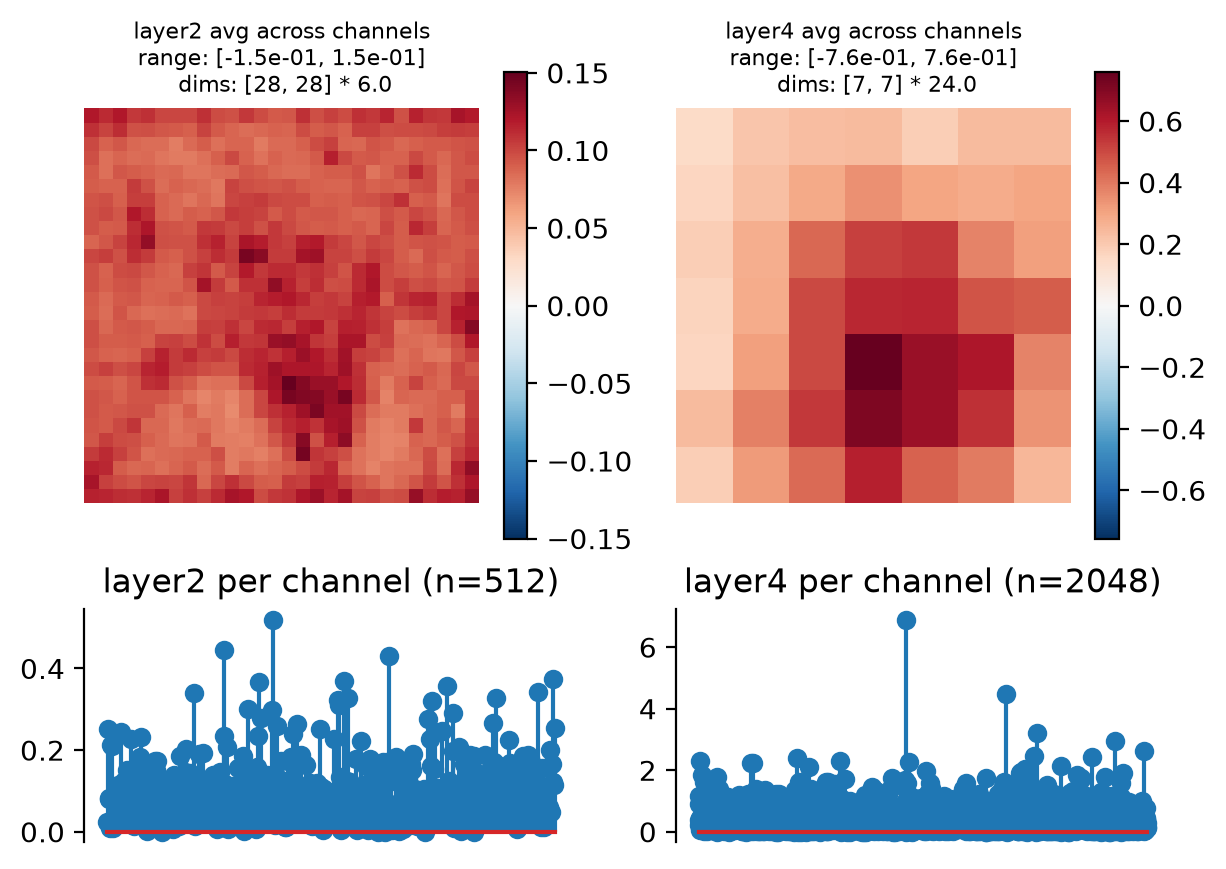
Add a separate colorbar for the spatial plot for each node:
>>> fig, axes = model.plot_representation(model(img))
>>> for ax in axes[::2]:
...     fig.colorbar(ax.images[0], ax=ax)
<matplotlib.colorbar.Colorbar object ...>
<matplotlib.colorbar.Colorbar object ...>
Plot the dictionary representation:
>>> model.plot_representation(model.convert_to_dict(model(img)))
(<Figure ...>, [<Axes...>, <Axes...>, <Axes...>, <Axes...>])
Plot on an existing axes object:
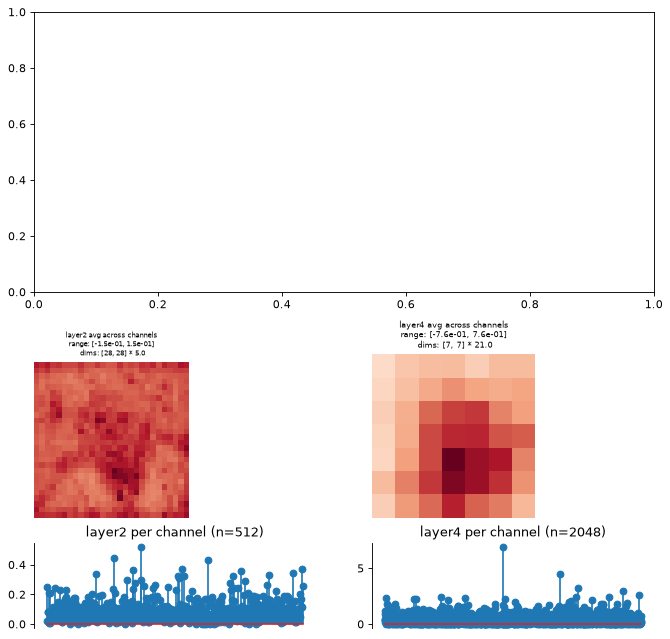
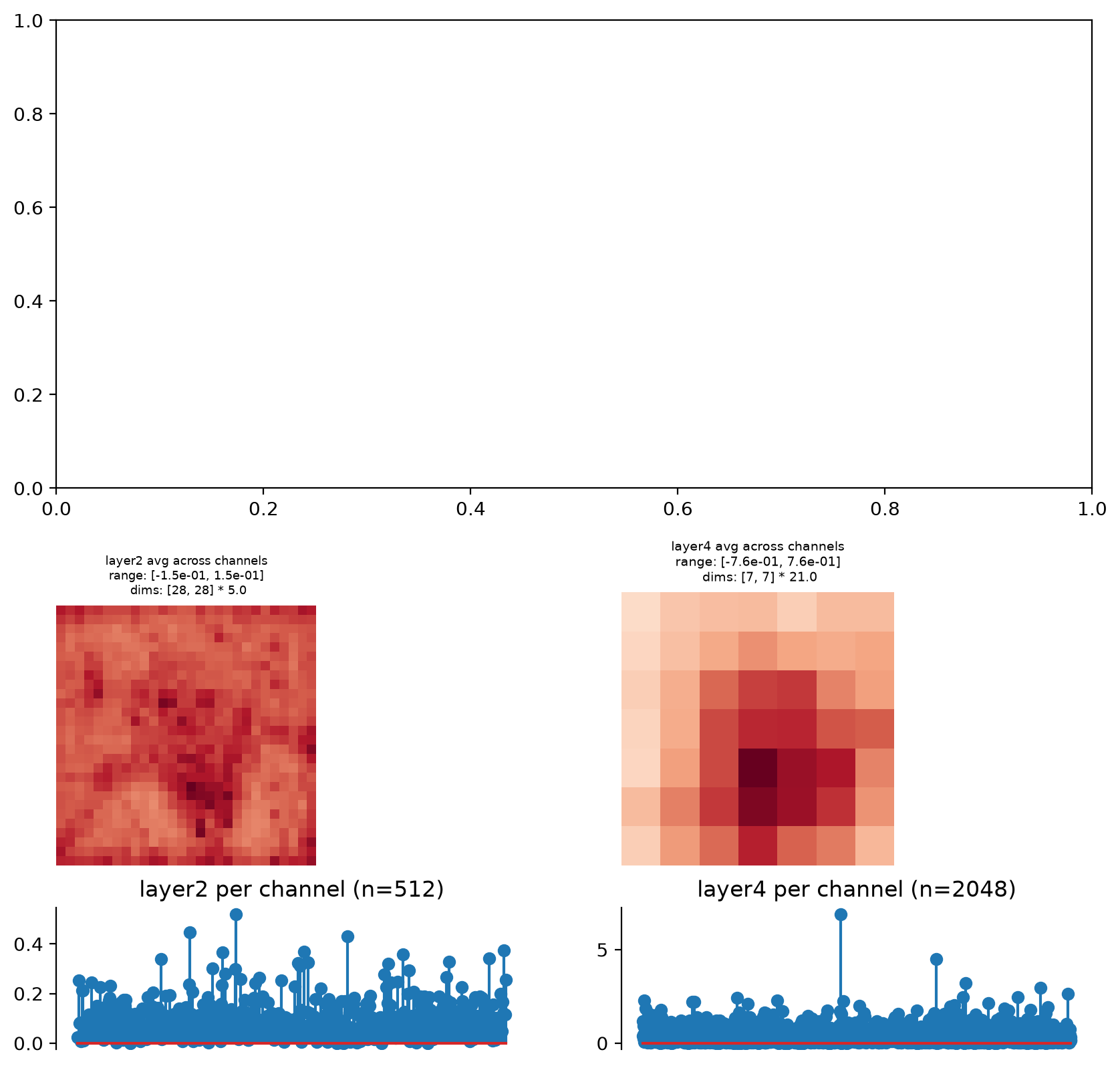
>>> fig, axes = plt.subplots(2, 1, figsize=(10, 10))
>>> model.plot_representation(model.convert_to_dict(model(img)), ax=axes[1])
(<Figure ...>, [<Axes...>, <Axes...>, <Axes...>, <Axes...>])
- update_plot(axes, data, batch_idx=0, rescale_ylim=False)[source]#
Update representation plot (for an animation).
This is a helper function for creating an animation over time. The intended use case is for this to be called by
plenoptic.plot.synthesis_animate; users are not expected to use this directly.- Parameters:
axes (
Axes|list[Axes]) – The list of axes to update. We assume that these are the axes created byplot_representationand so contain artists in the correct order.data (
Tensor|dict) – The new data to use for updating the plot. Should look like the output offorwardorconvert_to_dict, with the exact same structure (e.g., as returned by another instance of this class).batch_idx (
int(default:0)) – Which index to take from the batch dimension.rescale_ylim (
bool(default:False)) – Whether to rescale the ylimits of the per-channel plot or not.
- Return type:
- Returns:
artists – A list of the artists used to update the information on the plots.
See also
plot_representationCreate plots to summarize model representation, which we assume created the axes passed to this function for updating.
plenoptic.plot.update_plotGeneric
update_plotfunction.plenoptic.plot.synthesis_animateFunction which creates a video of synthesis process over time, makes use of this function.
Examples
>>> import plenoptic as po
>>> import torchvision
>>> weights = torchvision.models.ResNet50_Weights.IMAGENET1K_V1
>>> tv_model = torchvision.models.resnet50(weights=weights).eval()
>>> # This model's transform consists of resizing, cropping, and normalizing.
>>> # We recommend only including the normalizing in the transform.
>>> tv_transform = weights.transforms()
>>> norm = torchvision.transforms.Normalize(
...     tv_transform.mean, tv_transform.std
... )
>>> model = po.models.DeepNetFeatures(tv_model, "layer2", norm)
>>> # this model requires an RGB input (with 3 elements in the channel
>>> # dimension), and expects it to have a certain height and width.
>>> img = po.process.center_crop(
...     po.data.einstein(as_gray=False), tv_transform.crop_size[0]
... )
>>> fig, axes = model.plot_representation(model(img))
>>> img = po.process.center_crop(
...     po.data.curie(False), tv_transform.crop_size[0]
... )
>>> model.update_plot(axes, model(img))
[<matplotlib...>]