
plenoptic.models.FeatureExtractorModel#
Note
This object is a torch.nn.Module. It therefore has all the methods and attributes
from that class, even though they are not documented here (to avoid cluttering this page).
- class plenoptic.models.FeatureExtractorModel(model, return_nodes, transform=None)[source]#
Bases:
ModuleReturn features from model.
This adapter combines a torch model with a feature extractor and optional transform, allowing us to target the output of one or more particular layers in a deep neural network for use with synthesis objects.
This adapter is intended to work with TorchVision and timm, two model zoos from the deep learning community that contain a large number of models.
For more details on the node naming conventions used here, please see the About Node Names heading in the torchvision documentation.
Attention
This model requires the optional dependency
torchvision. Make sure it is installed before initializing this model.- Parameters:
model (
Module) – The pytorch module to use.return_nodes (
str|list[str] |dict[str,str]) – The names of the nodes to return. See Examples and torchvision documentation.transform (
Module|None(default:None)) – Pre-processing transform to apply to image before passing to model. IfNone, will not apply any transform.
- Raises:
ImportError – If torchvision is not installed.
Examples
Use with a torchvision model:
>>> import plenoptic as po
>>> import torchvision
>>> weights = torchvision.models.ResNet50_Weights.IMAGENET1K_V1
>>> tv_model = torchvision.models.resnet50(weights=weights).eval()
>>> # This model's transform consists of resizing, cropping, and normalizing.
>>> # We recommend only including the normalizing in the transform.
>>> tv_transform = weights.transforms()
>>> tv_transform
ImageClassification(
    crop_size=[224]
    resize_size=[256]
    mean=[0.485, 0.456, 0.406]
    std=[0.229, 0.224, 0.225]
    interpolation=InterpolationMode.BILINEAR
)
>>> norm = torchvision.transforms.Normalize(tv_transform.mean, tv_transform.std)
>>> model = po.models.FeatureExtractorModel(tv_model, "layer2", norm)
>>> # this model requires a 3d input, and expects it to have a certain input
>>> # size.
>>> img = po.process.center_crop(
...     po.data.einstein(False), tv_transform.crop_size[0]
... )
>>> img.shape
torch.Size([1, 3, 224, 224])
>>> model(img).shape
torch.Size([1, 401408])
>>> po.remove_grad(model)
>>> po.validate.validate_model(model, image_shape=img.shape)
Use with timm a model. The primary difference is in the syntax for retrieving the model and the transform:
Attention
The following block requires the additional package
timm.>>> import timm >>> from timm.data import resolve_data_config >>> from timm.data.transforms_factory import create_transform >>> timm_model = timm.create_model("timm/resnet50.tv_in1k", pretrained=True).eval() >>> # Create Transform >>> timm_transform = create_transform( ... **resolve_data_config(timm_model.pretrained_cfg, model=timm_model) ... ) >>> # This model has the same resizing, cropping, normalizing transform as above, >>> # but timm allows us to explicitly select the different steps >>> timm_transform Compose( Resize(size=256, interpolation=bilinear, max_size=None, antialias=True) CenterCrop(size=(224, 224)) MaybeToTensor() Normalize(mean=tensor([0.4850, ...]), std=tensor([0.2290, ...])) ) >>> timm_crop = timm_transform.transforms[1] >>> timm_norm = timm_transform.transforms[-1] >>> model = po.models.FeatureExtractorModel(timm_model, "layer2", timm_norm) >>> # this model requires a 3d input, and expects it to have a certain input size. >>> img = timm_crop(po.data.einstein(False)) >>> img.shape torch.Size([1, 3, 224, 224]) >>> model(img).shape torch.Size([1, 401408]) >>> po.remove_grad(model) >>> po.validate.validate_model(model, image_shape=img.shape)
The torchvision function
torchvision.models.feature_extraction.get_graph_node_namesallows us to view possible node names:>>> from torchvision.models import feature_extraction >>> # This function returns two lists, one for nodes in train mode, one for those in >>> # eval mode. We want the eval mode list: >>> node_names = feature_extraction.get_graph_node_names(tv_model)[1] >>> len(node_names) 176 >>> node_names[77:81] ['layer2.3.add', 'layer2.3.relu_2', 'layer3.0.conv1', 'layer3.0.bn1'] >>> model = po.models.FeatureExtractorModel(tv_model, node_names[78], norm) >>> model(img).shape torch.Size([1, 401408])
We can even pass multiple node names, in which case all corresponding outputs are concatenated together.
>>> model = po.models.FeatureExtractorModel(tv_model, ["layer2", "layer4"], norm)
>>> model(img).shape
torch.Size([1, 501760])
The order of elements in
return_nodesdoes not matter: the outputs are always returned based on their order inmodel.>>> rep = model(img) >>> model = po.models.FeatureExtractorModel(tv_model, ["layer4", "layer2"], norm) >>> rep[0, 0] == model(img)[0, 0] tensor(True)
The function
convert_to_dictwill convert the output offorwardto a dictionary and return its elements to their original shape. This may be useful for plotting or investigation.>>> [(k, v.shape) for k, v in model.convert_to_dict(model(img)).items()] [('layer2', torch.Size([1, 512, 28, 28])), ('layer4', torch.Size([1, 2048, 7, 7]))]
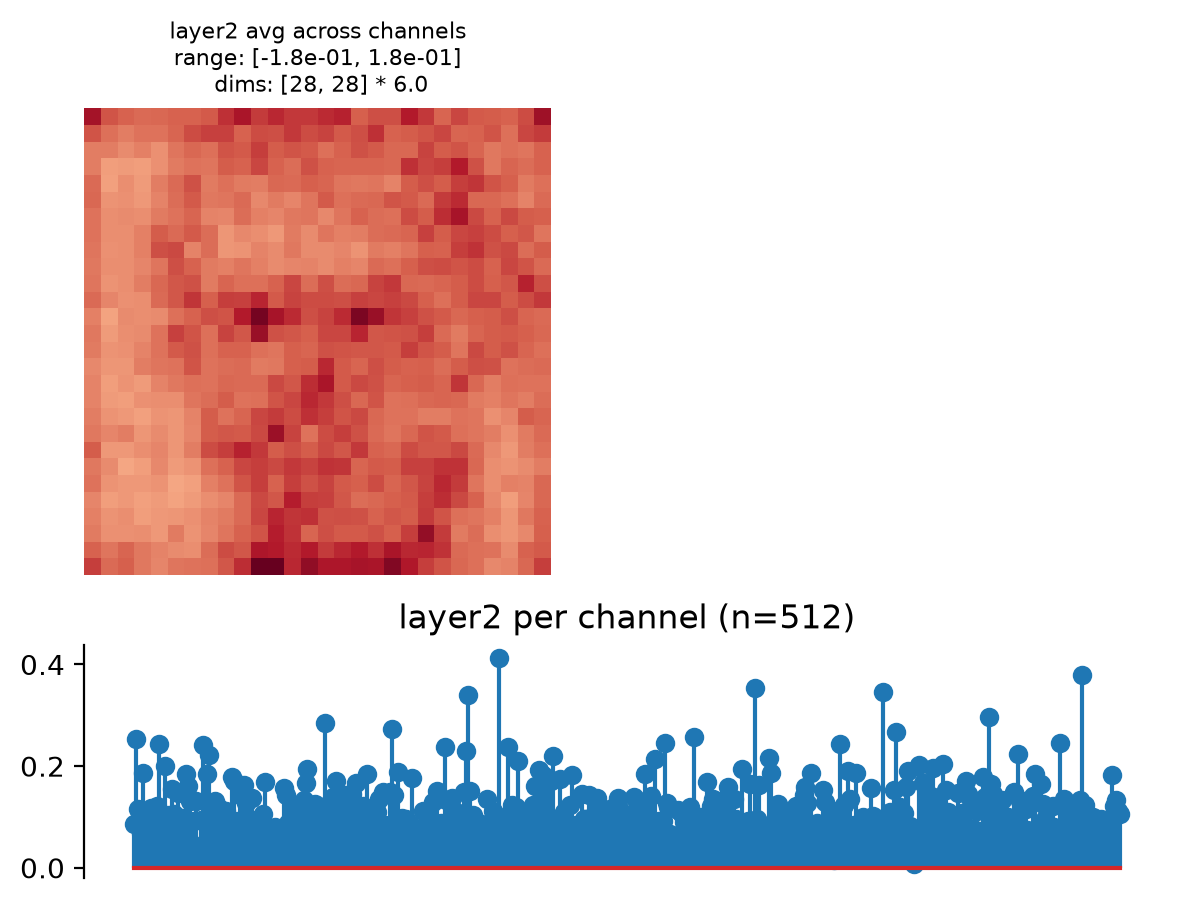
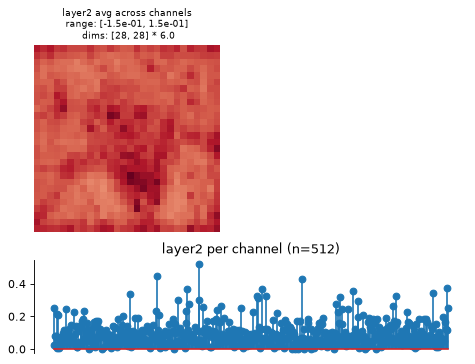
Visualize model representation with
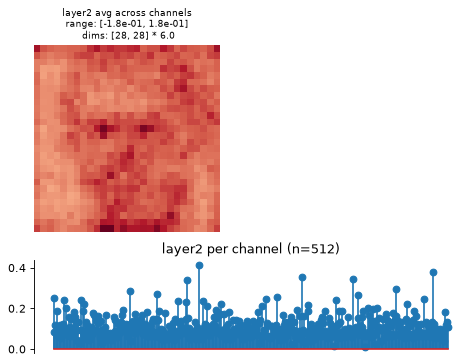
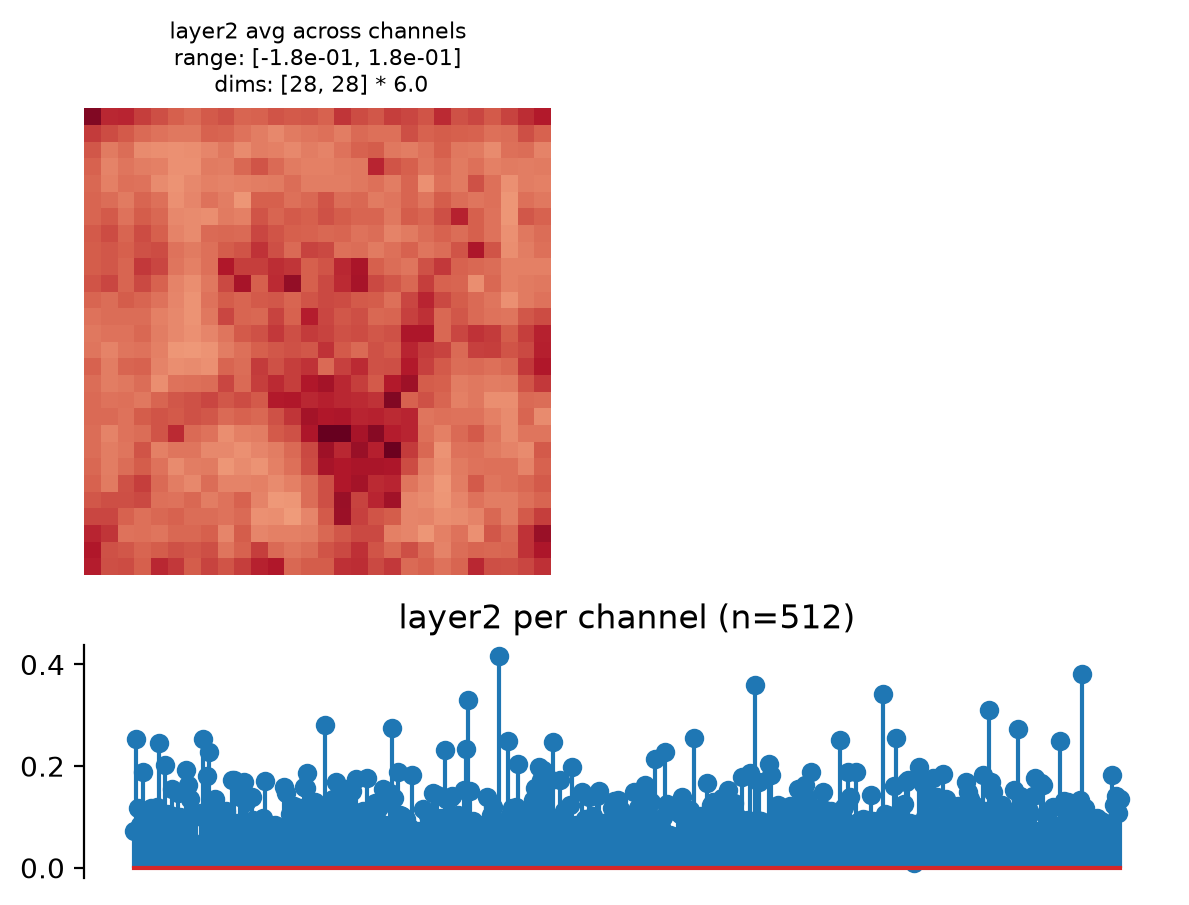
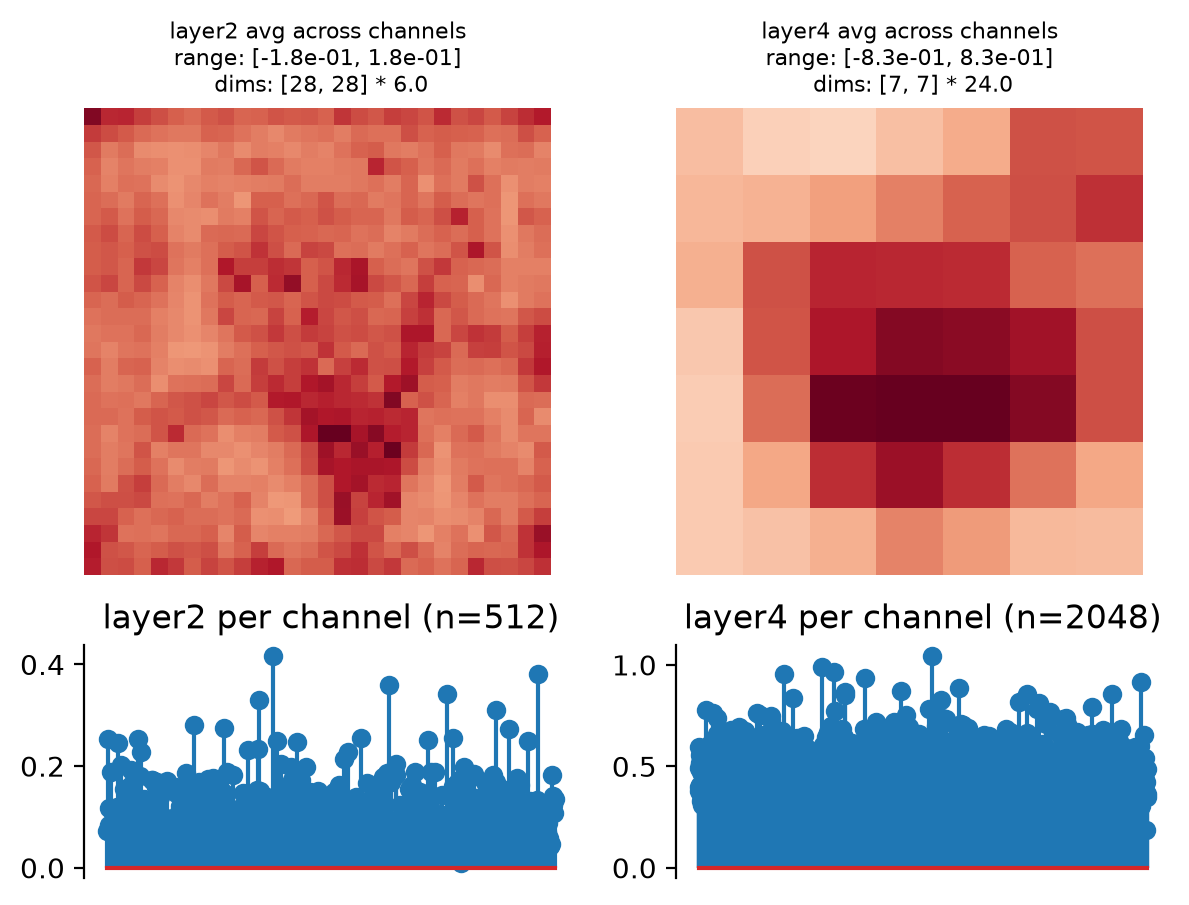
plot_representation:>>> fig, axes = model.plot_representation(model(img))
Methods
convert_to_dict(representation_tensor)Convert tensor of statistics to a dictionary.
convert_to_tensor(representation_dict)Convert dictionary of statistics to a tensor.
forward(x)Compute feature activity of an input.
plot_representation(data[, ax, figsize, ...])Plot model representation.
update_plot(axes, data[, batch_idx, ...])Update representation plot (for an animation).
- convert_to_dict(representation_tensor)[source]#
Convert tensor of statistics to a dictionary.
The output of
forwardis flattened so as to allow us to return a single tensor, regardless of the specified features. This function undoes that flattening, returning a dictionary whose keys are the feature names and whose values have the original shape. This may be useful for investigation or plotting.This function requires calling either
forwardorconvert_to_tensorfirst, so that it knows how to properly reshape the input.- Parameters:
representation_tensor (
Tensor) – 2d tensor of model representation, e.g., the output offorward.- Return type:
- Returns:
representation_dict – Dictionary of representation, with informative keys.
- Raises:
ValueError – If
forwardorconvert_to_tensorwas not called before this one, because then we don’t know how to properly reshape.
See also
convert_to_tensorConvert dictionary representation to a 2d tensor.
Examples
>>> import plenoptic as po
>>> import torchvision
>>> weights = torchvision.models.ResNet50_Weights.IMAGENET1K_V1
>>> tv_model = torchvision.models.resnet50(weights=weights)
>>> # This model's transform consists of resizing, cropping, and normalizing.
>>> # We recommend only including the normalizing in the transform.
>>> tv_transform = weights.transforms()
>>> norm = torchvision.transforms.Normalize(tv_transform.mean, tv_transform.std)
>>> model = po.models.FeatureExtractorModel(
...     tv_model, ["layer2", "layer4"], norm
... )
>>> # this model requires a 3d input, and expects it to have a certain input
>>> # size.
>>> img = po.process.center_crop(
...     po.data.einstein(False), tv_transform.crop_size[0]
... )
>>> representation_dict = model.convert_to_dict(model(img))
>>> [(k, v.shape) for k, v in representation_dict.items()]
[('layer2', torch.Size([1, 512, 28, 28])),
 ('layer4', torch.Size([1, 2048, 7, 7]))]
- convert_to_tensor(representation_dict)[source]#
Convert dictionary of statistics to a tensor.
The output has shape
(batch, representation), flattening and concatenating across all representation features, channels, and additional dimensions. The dictionary representation may be easier to make sense of.- Parameters:
representation_dict (
OrderedDict[str,Tensor]) – Dictionary of representation, whose keys are the feature names and whose values are tensors in the original shape.- Return type:
- Returns:
representation_tensor – Feature activity as a 2d tensor, of shape
(batch, representation).
See also
convert_to_dictConvert tensor representation to a dictionary, whose keys are the feature names, with their original shapes.
Examples
>>> import plenoptic as po
>>> import torchvision
>>> weights = torchvision.models.ResNet50_Weights.IMAGENET1K_V1
>>> tv_model = torchvision.models.resnet50(weights=weights)
>>> # This model's transform consists of resizing, cropping, and normalizing.
>>> # We recommend only including the normalizing in the transform.
>>> tv_transform = weights.transforms()
>>> norm = torchvision.transforms.Normalize(tv_transform.mean, tv_transform.std)
>>> model = po.models.FeatureExtractorModel(
...     tv_model, ["layer2", "layer4"], norm
... )
>>> # this model requires a 3d input, and expects it to have a certain input
>>> # size.
>>> img = po.process.center_crop(
...     po.data.einstein(False), tv_transform.crop_size[0]
... )
>>> representation_tensor = model(img)
>>> representation_dict = model.convert_to_dict(representation_tensor)
>>> representation_tensor_new = model.convert_to_tensor(representation_dict)
>>> torch.equal(representation_tensor, representation_tensor_new)
True
- forward(x)[source]#
Compute feature activity of an input.
We flatten across all dimensions except the batch / first dimension. This allows us to support returning features of different shapes and dimensionality (as is common across layers in deep nets), while still returning only a single tensor, as is necessary for our synthesis methods.
- Parameters:
x (
Tensor) – The tensor to analyze.- Return type:
- Returns:
representation_tensor – The feature activity as a 2d tensor, of shape
(batch, representation).
See also
convert_to_dictConvert tensor representation to a dictionary, whose keys are the feature names, with their original shapes.
Examples
>>> import plenoptic as po
>>> import torchvision
>>> weights = torchvision.models.ResNet50_Weights.IMAGENET1K_V1
>>> tv_model = torchvision.models.resnet50(weights=weights)
>>> # This model's transform consists of resizing, cropping, and normalizing.
>>> # We recommend only including the normalizing in the transform.
>>> tv_transform = weights.transforms()
>>> norm = torchvision.transforms.Normalize(tv_transform.mean, tv_transform.std)
>>> model = po.models.FeatureExtractorModel(tv_model, "layer2", norm).eval()
>>> # this model requires a 3d input, and expects it to have a certain input
>>> # size.
>>> img = po.process.center_crop(
...     po.data.einstein(False), tv_transform.crop_size[0]
... )
>>> model(img).shape
torch.Size([1, 401408])
- plot_representation(data, ax=None, figsize=None, ylim=False, batch_idx=0, title=None)[source]#
Plot model representation.
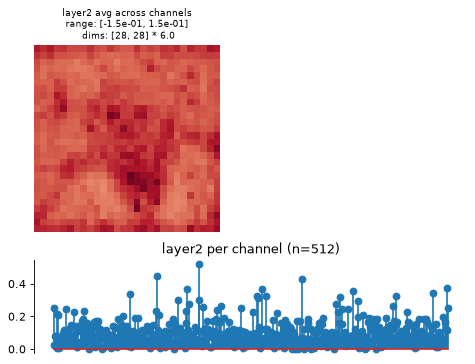
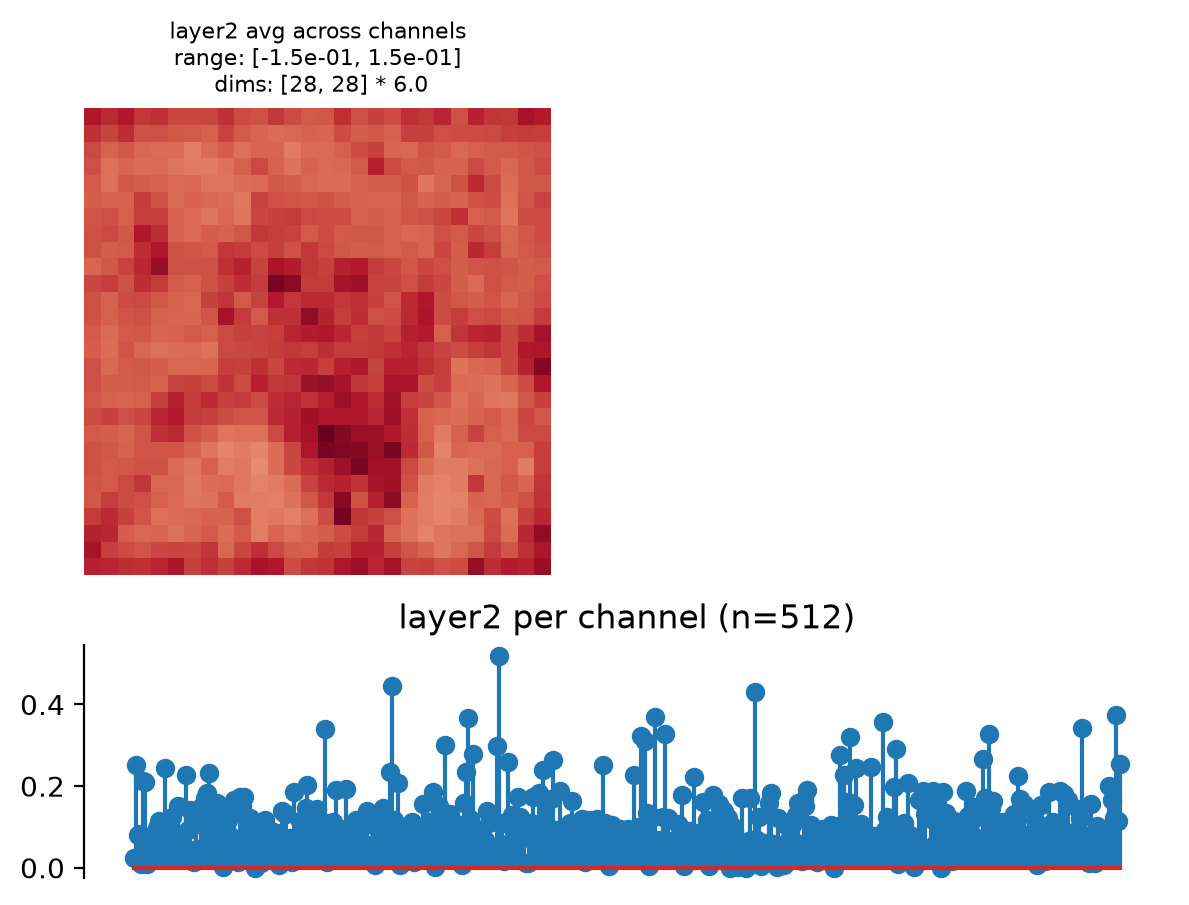
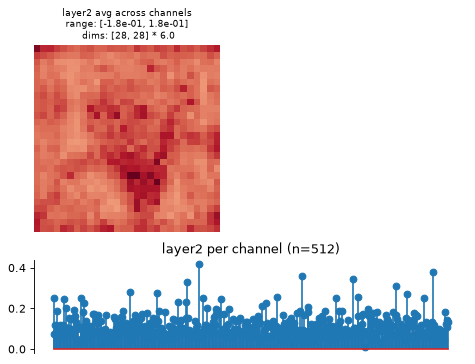
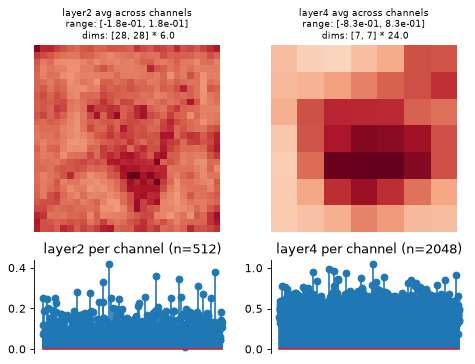
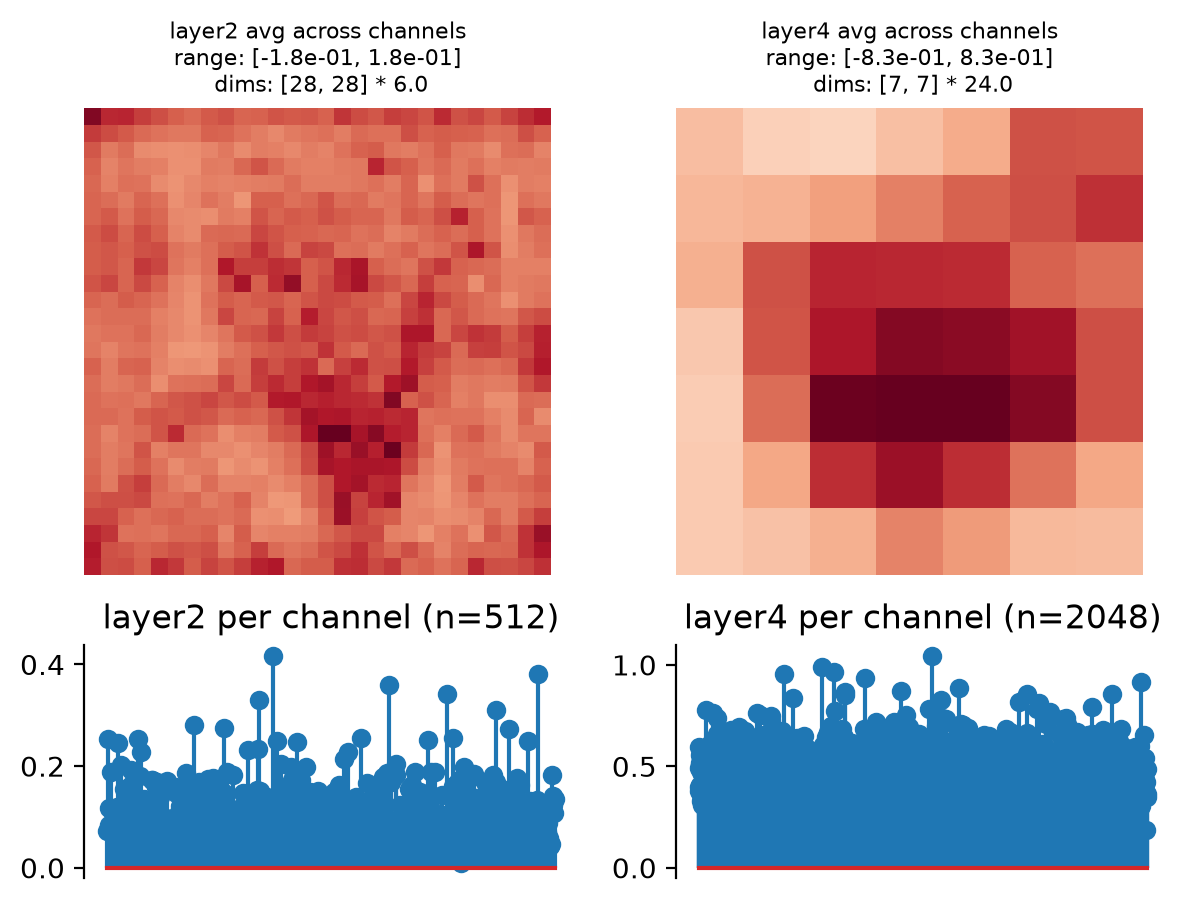
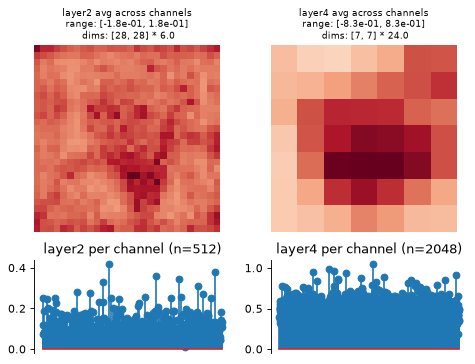
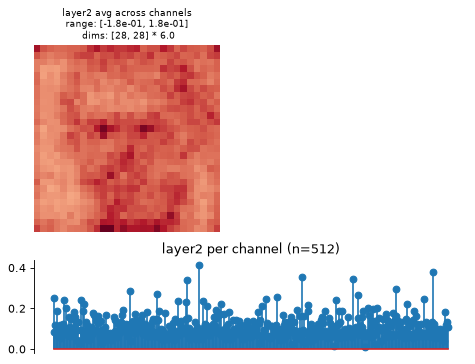
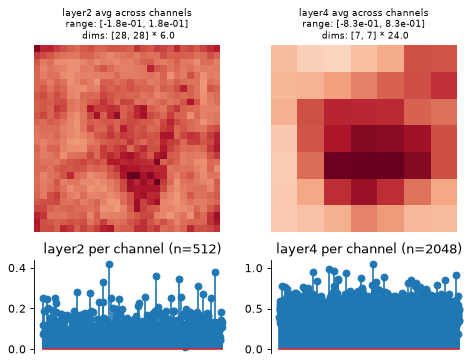
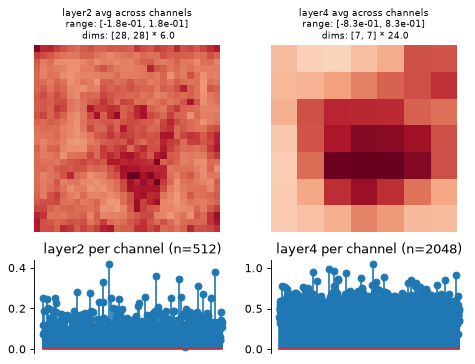
This creates two plots: one containing the representation averaged across all channels, and one containing the per-channel representation, i.e., the representation averaged across all dimensions except channels.
Intended for neural networks, e.g., models whose output at each node has many channels and one or two additional dimensions.
- Parameters:
data (
Tensor|dict[str,Tensor]) – The data to show on the plot. Should look like the output offorwardorconvert_to_dict, with the exact same structure (e.g., as returned by another instance of this class).ax (
Axes|None(default:None)) – Axes where we will plot the data. If aplt.Axesinstance, will subdivide into 6 or 8 new axes (depending on self.n_scales). IfNone, we create a new figure.figsize (
tuple[float,float] |None(default:None)) – The size of the figure to create. Must beNoneif ax is notNone. If both figsize and ax areNone, then we setfigsize=(7, 5).ylim (
tuple[float,float] |Literal[False] |None(default:False)) – If notNone, the y-limits to use for this plot. IfNone, we adjust y-limits to be symmetrical about 0. IfFalse, do not change y-limits.batch_idx (
int(default:0)) – Which index to take from the batch dimension (the first one).
- Return type:
- Returns:
fig – Figure containing the plot.
axes – List of axes containing the plot. Number of axes will be two per node.
- Raises:
ValueError – If both
figsizeandaxare notNone.
Examples
>>> import plenoptic as po
>>> import torchvision
>>> weights = torchvision.models.ResNet50_Weights.IMAGENET1K_V1
>>> tv_model = torchvision.models.resnet50(weights=weights)
>>> # This model's transform consists of resizing, cropping, and normalizing.
>>> # We recommend only including the normalizing in the transform.
>>> tv_transform = weights.transforms()
>>> norm = torchvision.transforms.Normalize(
...     tv_transform.mean, tv_transform.std
... )
>>> model = po.models.FeatureExtractorModel(tv_model, "layer2", norm)
>>> # this model requires a 3d input, and expects it to have a certain input
>>> # size.
>>> img = po.process.center_crop(
...     po.data.einstein(False), tv_transform.crop_size[0]
... )
>>> model.plot_representation(model(img))
(<Figure ...>, [<Axes...>, <Axes...>])
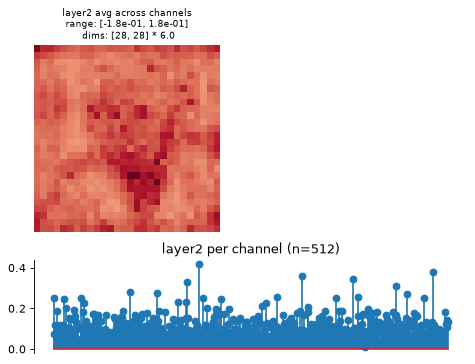
This function creates two axes per node, one showing the representation averaged across channels, one showing it per channel (averaging across any additional dimensions):
>>> model = po.models.FeatureExtractorModel(
...     tv_model, ["layer2", "layer4"], norm
... )
>>> model.plot_representation(model(img))
(<Figure ...>, [<Axes...>, <Axes...>, <Axes...>, <Axes...>])
Plot the dictionary representation:
>>> model.plot_representation(model.convert_to_dict(model(img)))
(<Figure ...>, [<Axes...>, <Axes...>, <Axes...>, <Axes...>])
Plot on an existing axes object:
>>> fig, axes = plt.subplots(1, 2)
>>> model.plot_representation(model.convert_to_dict(model(img)), ax=axes[1])
(<Figure ...>, [<Axes...>, <Axes...>, <Axes...>, <Axes...>])
- update_plot(axes, data, batch_idx=0, rescale_ylim=False)[source]#
Update representation plot (for an animation).
This is a helper function for creating an animation over time.
- Parameters:
axes (
Axes|list[Axes]) – The list of axes to update. We assume that these are the axes created byplot_representationand so contain artists in the correct order.data (
Tensor|dict) – The new data to use for updating the plot. Should look like the output offorwardorconvert_to_dict, with the exact same structure (e.g., as returned by another instance of this class).batch_idx (
int(default:0)) – Which index to take from the batch dimension.rescale_ylim (
bool(default:False)) – Whether to rescale the ylimits of the per-channel plot or not.
- Return type:
- Returns:
artists – A list of the artists used to update the information on the plots.
See also
plot_representationCreate plots to summarize model representation, which we assume created the axes passed to this function for updating.
plenoptic.plot.update_plotGeneric
update_plotfunction.plenoptic.plot.synthesis_animateFunction which creates a video of synthesis process over time, makes use of this function.
Examples
>>> import plenoptic as po
>>> import torchvision
>>> weights = torchvision.models.ResNet50_Weights.IMAGENET1K_V1
>>> tv_model = torchvision.models.resnet50(weights=weights)
>>> # This model's transform consists of resizing, cropping, and normalizing.
>>> # We recommend only including the normalizing in the transform.
>>> tv_transform = weights.transforms()
>>> norm = torchvision.transforms.Normalize(
...     tv_transform.mean, tv_transform.std
... )
>>> model = po.models.FeatureExtractorModel(tv_model, "layer2", norm)
>>> # this model requires a 3d input, and expects it to have a certain input
>>> # size.
>>> img = po.process.center_crop(
...     po.data.einstein(False), tv_transform.crop_size[0]
... )
>>> fig, axes = model.plot_representation(model(img))
>>> img = po.process.center_crop(
...     po.data.curie(False), tv_transform.crop_size[0]
... )
>>> model.update_plot(axes, model(img))
[<matplotlib...>]