plenoptic.data.disk#
- plenoptic.data.disk(img_size, outer_radius=None, inner_radius=None)[source]#
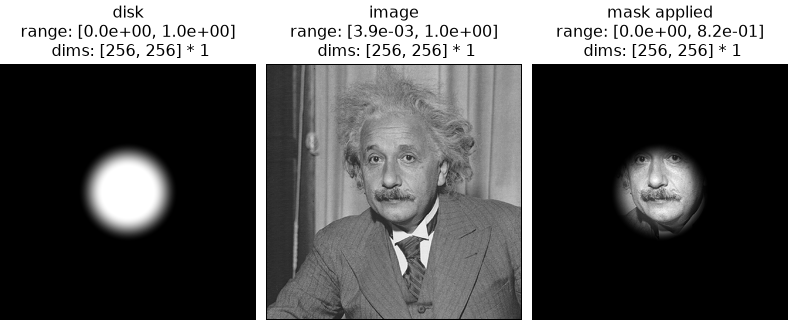
Create a circular mask with softened edges.
All values within
inner_radiuswill be 1, and all values frominner_radiustoouter_radiuswill decay smoothly to 0.- Parameters:
img_size (
int|tuple[int,int] |Size) – Size of image in pixels.outer_radius (
float|None(default:None)) – Total radius of disk. Values frominner_radiustoouter_radiuswill decay smoothly to zero.inner_radius (
float|None(default:None)) – Radius of inner disk. All elements from the origin toinner_radiuswill be set to 1.
- Return type:
- Returns:
mask – Tensor mask with
torch.Size(img_size).
Examples
>>> import plenoptic as po
>>> import torch
>>> disk = po.data.disk((256, 256), outer_radius=50, inner_radius=25)
>>> # we can add batch and color dimensions
>>> # (this is equivalent to using .unsqueeze(0) twice)
>>> disk = disk[None, None]
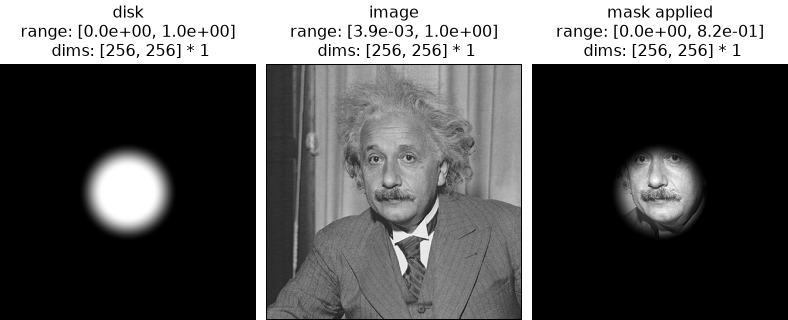
>>> # we can use the disk as a mask to apply to an image
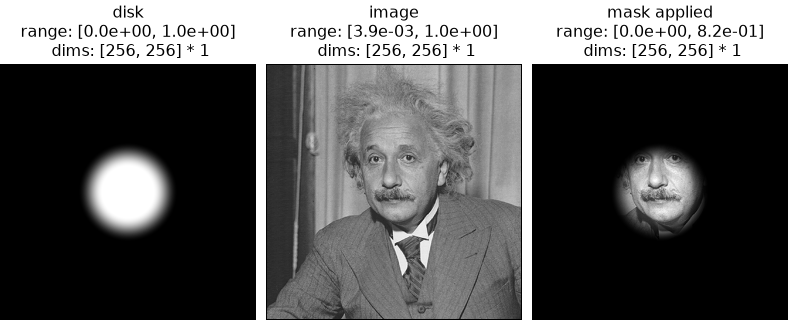
>>> img = po.data.einstein()
>>> masked_img = img * disk
>>> po.plot.imshow(
...     [disk, img, masked_img], title=["disk", "image", "mask applied"]
... )
<PyrFigure ...>