plenoptic.process.upsample_convolve#
- plenoptic.process.upsample_convolve(image, odd, filt, padding_mode='reflect')[source]#
Upsample by 2 and convolve with a filter.
When upsampling an image, we need some way to estimate the new pixels; convolving with a filter allows us to interpolate these pixels from their neighbors.
- Parameters:
image (
Tensor) – Image, or batch of images, of shape (batch, channel, height, width). Batches and channels are handled independently.odd (
tuple[int,int]) – This should contain two integers of value 0 or 1, which determines whether the output height and width should be even (0) or odd (1).filt (
Tensor) – 2D tensor defining the filter to convolve with the inputimage.padding_mode (
Literal['constant','reflect','replicate','circular'] (default:'reflect')) – How to pad the image, so that we return an image of the appropriate size. The option"constant"means padding with zeros.
- Return type:
- Returns:
upsampled_image – The upsampled image.
- Raises:
ValueError – If
filtorimagehas the wrong number of dimensions.
See also
upsample_blurPerform this operation a user-specified number of times using a named filter.
correlate_downsamplePerform the inverse operation, correlating and downsampling an image.
Examples
>>> import plenoptic as po
>>> import torch
>>> img = po.data.einstein()
>>> # 2x2 interpolation filter
>>> filt = torch.ones(2, 2) / 4.0
>>> upsampled = po.process.upsample_convolve(img, odd=[0, 0], filt=filt)
>>> upsampled.shape
torch.Size([1, 1, 512, 512])
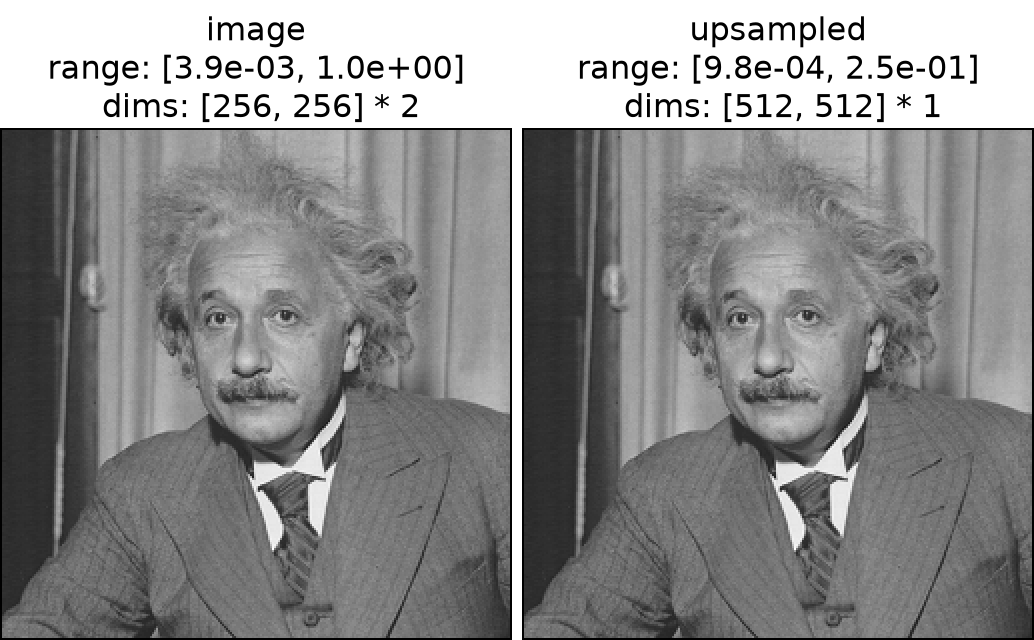
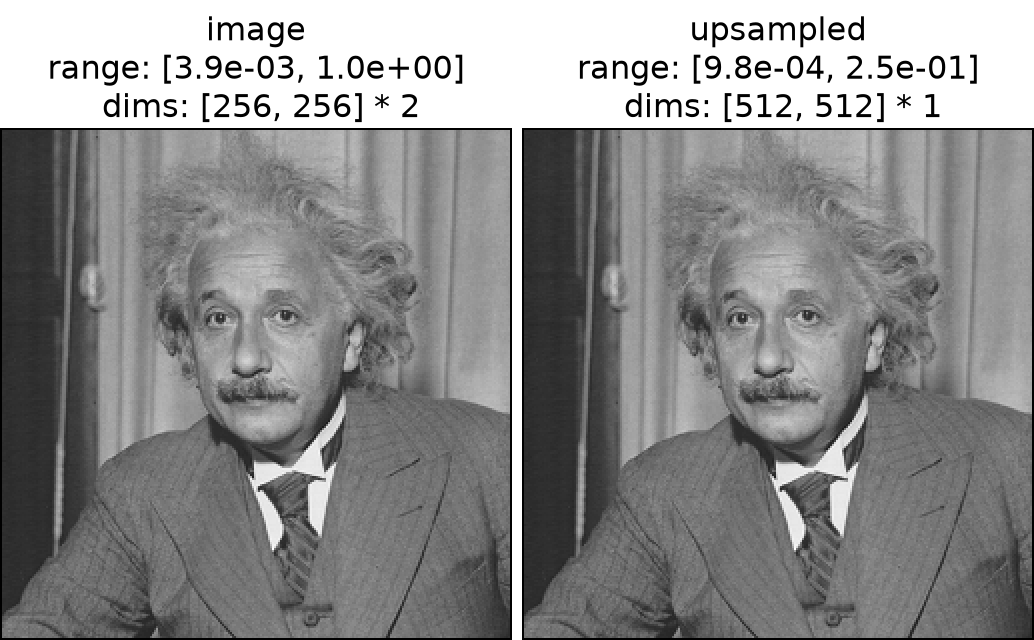
>>> po.plot.imshow([img, upsampled], title=["image", "upsampled"])
<PyrFigure...>
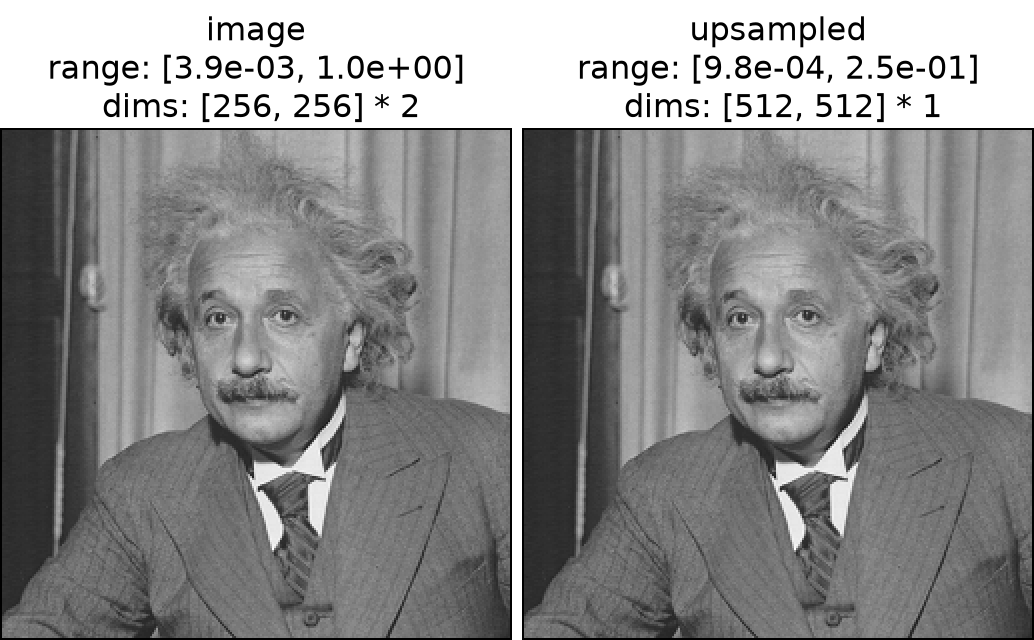
Note that the dimensions have changed.
The odd argument allows for choosing whether the output width and/or height should be even or odd:
>>> upsampled_even = po.process.upsample_convolve(img, odd=[0, 0], filt=filt)
>>> upsampled_even.shape
torch.Size([1, 1, 512, 512])
>>> upsampled_odd = po.process.upsample_convolve(img, odd=[1, 1], filt=filt)
>>> upsampled_odd.shape
torch.Size([1, 1, 511, 511])
>>> upsampled_mixed_odd_even = po.process.upsample_convolve(
...     img, odd=[1, 0], filt=filt
... )
>>> upsampled_mixed_odd_even.shape
torch.Size([1, 1, 511, 512])
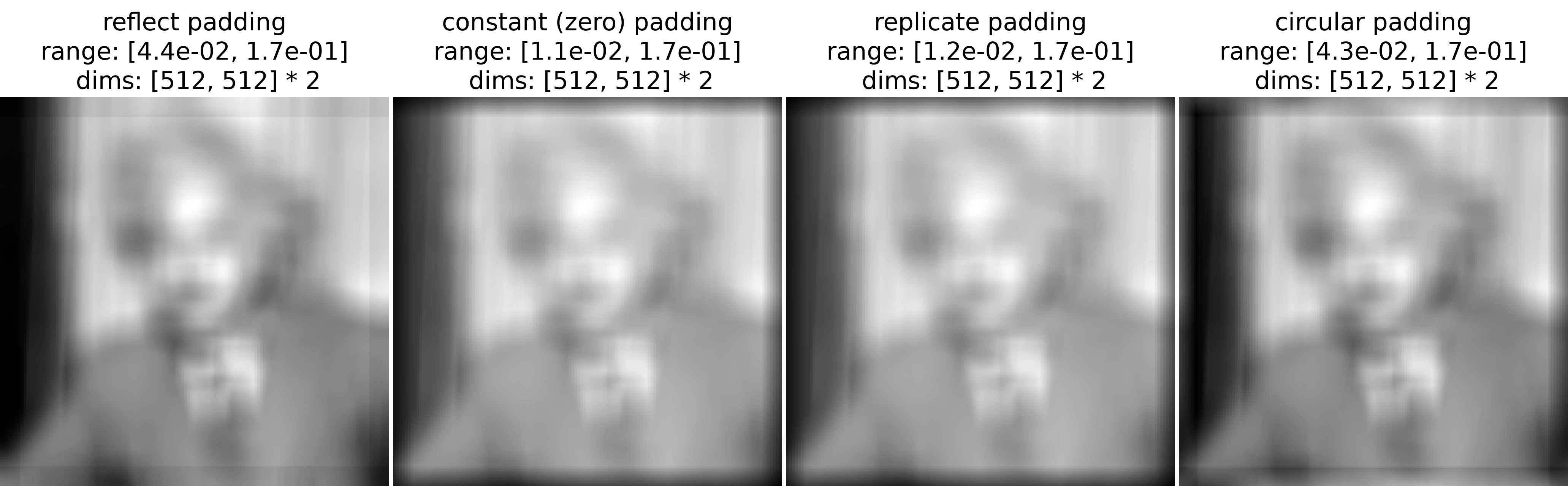
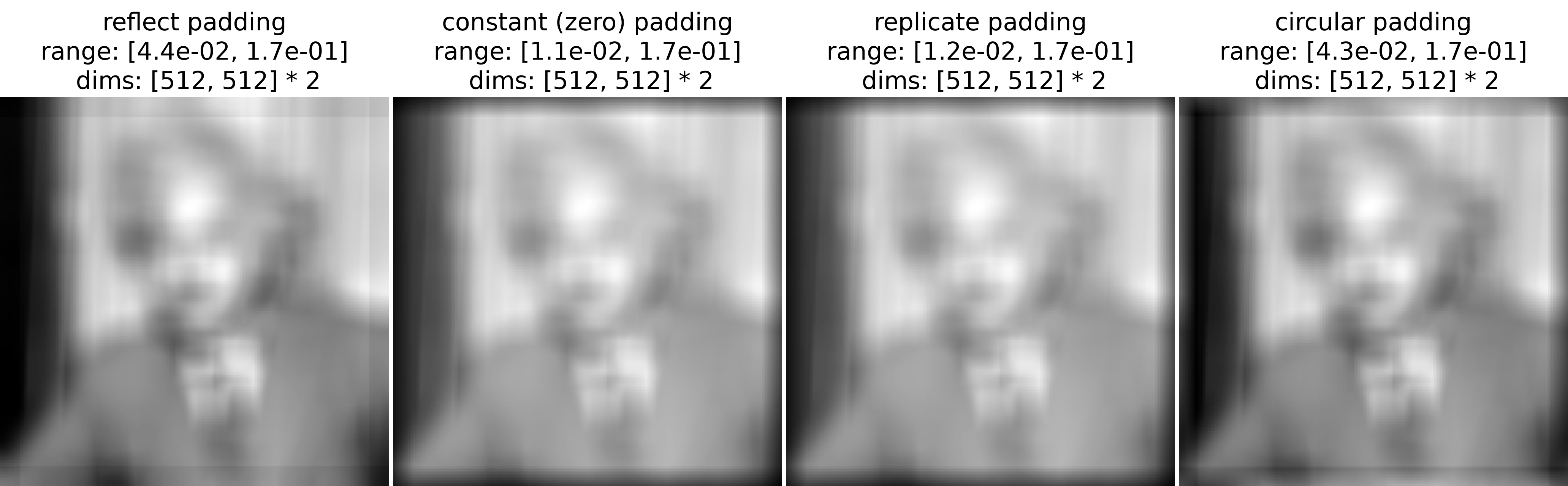
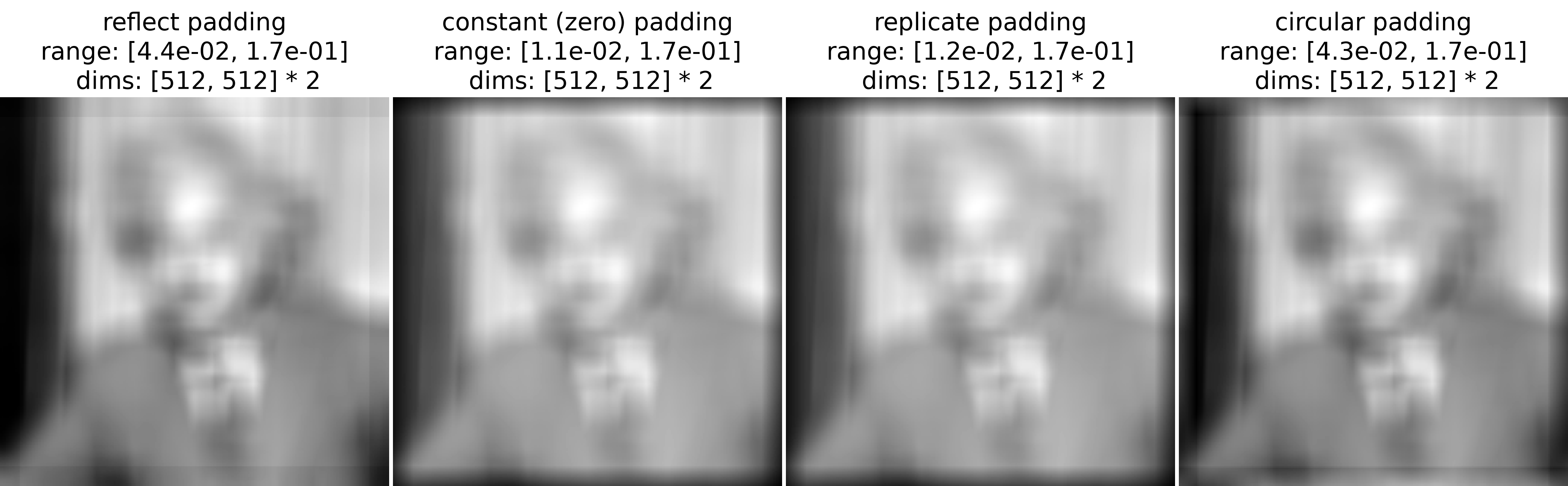
This function always returns an image whose height and width are half that of the input (rounded up). When convolving an image with a filter, the filter must be centered on each output pixel. For pixels near the image boundary, the filter extends outside the image boundary and thus we need to pad the input with extra pixels. The
padding_modeargument determines how to do so (usingsame_padding):reflect: mirror the image at boundaries
constant: pad with zeroes
replicate: repeat edge pixel values
circular: wrap the image around
>>> # Large 50x50 interpolation filter to make padding effects visible
>>> filt = torch.ones(50, 50) / (50 * 50)
>>> constant = po.process.upsample_convolve(
...     img, odd=[0, 0], filt=filt, padding_mode="constant"
... )
>>> reflect = po.process.upsample_convolve(
...     img, odd=[0, 0], filt=filt, padding_mode="reflect"
... )
>>> replicate = po.process.upsample_convolve(
...     img, odd=[0, 0], filt=filt, padding_mode="replicate"
... )
>>> circular = po.process.upsample_convolve(
...     img, odd=[0, 0], filt=filt, padding_mode="circular"
... )
>>> po.plot.imshow(
...     [reflect, constant, replicate, circular],
...     title=[
...         "reflect padding",
...         "constant (zero) padding",
...         "replicate padding",
...         "circular padding",
...     ],
...     zoom=2,
... )
<PyrFigure...>