plenoptic.load_images#
- plenoptic.load_images(paths, as_gray=True, sorted_key=None)[source]#
Load in images.
Our models and synthesis methods generally expect their inputs to be 4d float32 images:
(batch, channel, height, width), where the batch dimension contains multiple images and channel contains something like RGB or color channel. This function helps you get your inputs into that format. It accepts either a single file, a list of files, or a single directory containing images, will load them in, normalize them to lie between 0 and 1, convert them to float32, optionally convert them to grayscale, make them tensors, and get them into the right shape.- Parameters:
paths (
str|list[str] |Path|list[Path]) – A str or list of strs. If a list, must contain paths of image files. If a str, can either be the path of a single image file or of a single directory. If a directory, we try to load every file it contains (using imageio.imread) and skip those we cannot (thus, for efficiency you should not point this to a directory with lots of non-image files). This is NOT recursive.as_gray (
bool(default:True)) – Whether to convert the images into grayscale or not after loading them. IfFalse, we do nothing. IfTrue, we call skimage.color.rgb2gray on them, which will result in a single channel.sorted_key (
None|Callable(default:None)) – How to sort the images. IfNoneandpathsis a directory, will sort the paths alphabetically. Ifpathsis a list of files, must beNoneand is ignored. See Sorting Techniques for details on other possible values, and note that the objects to sort arepathlib.Pathobjects.
- Return type:
- Returns:
images – 4d tensor containing the images.
- Raises:
FileNotFoundError – If any of the explicit image paths do not exist.
ValueError – If the images we attempt to load are not all the same shape.
ValueError – If
pathsis a single file or list of files andsorted_keyis notNone.
- Warns:
UserWarning – If
pathsis a directory and any of the files it contains are non-images.
Examples
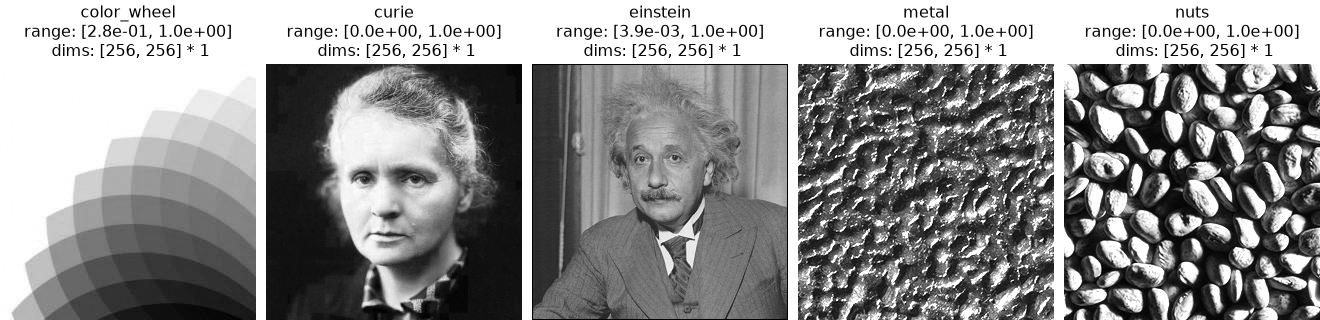
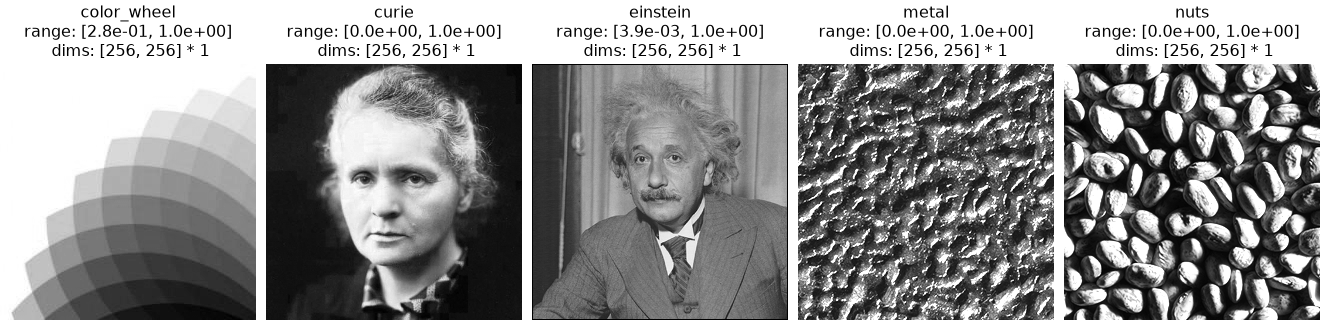
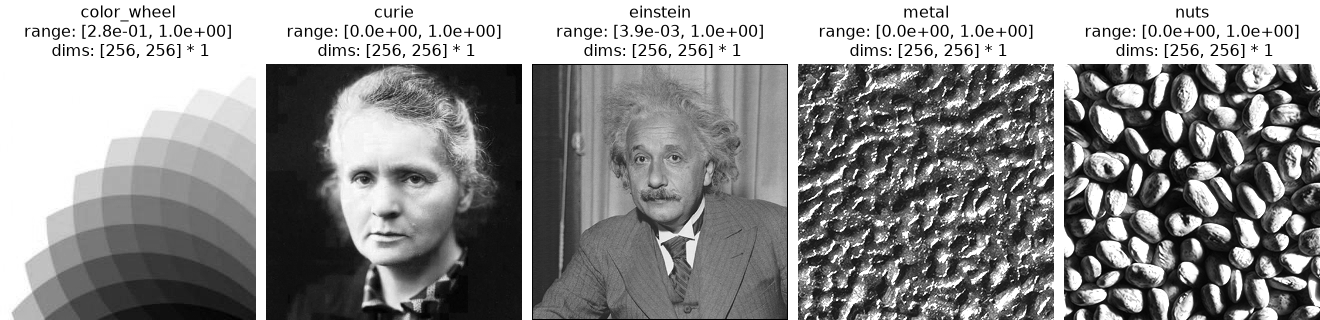
When
sorted_key=None, images from a directory are sorted alphabetically by filename.>>> import plenoptic as po >>> img_dir = po.data.fetch_data("test_images.tar.gz") / "256" >>> titles = ["color_wheel", "curie", "einstein", "metal", "nuts"] >>> imgs = po.load_images(img_dir) >>> po.plot.imshow(imgs, title=titles) <PyrFigure size ... with 5 Axes>
Sort the images by the second letter of their filename:
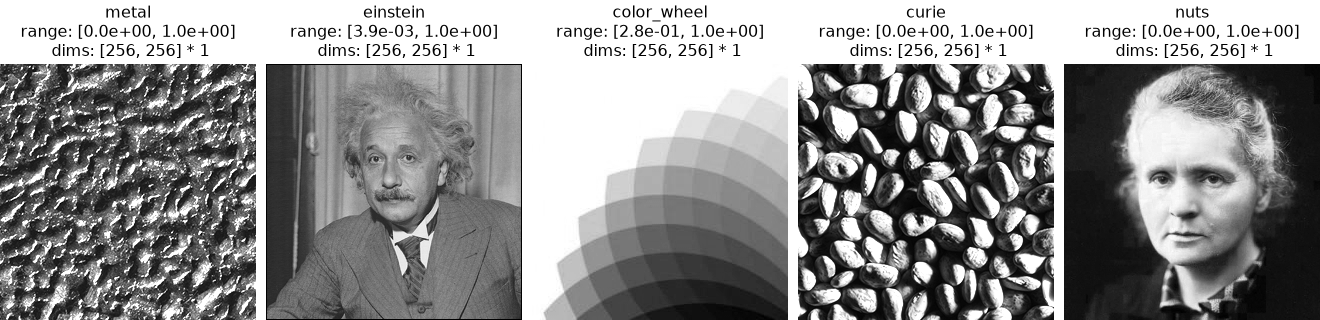
>>> import plenoptic as po
>>> img_dir = po.data.fetch_data("test_images.tar.gz") / "256"
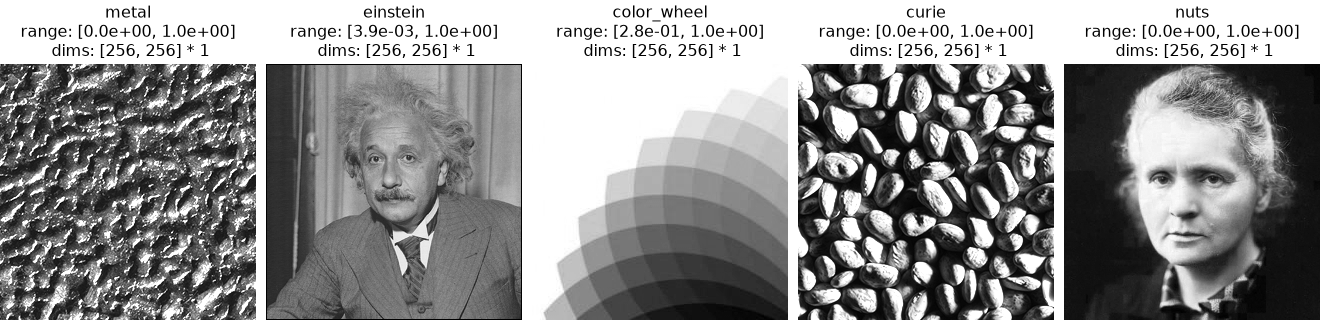
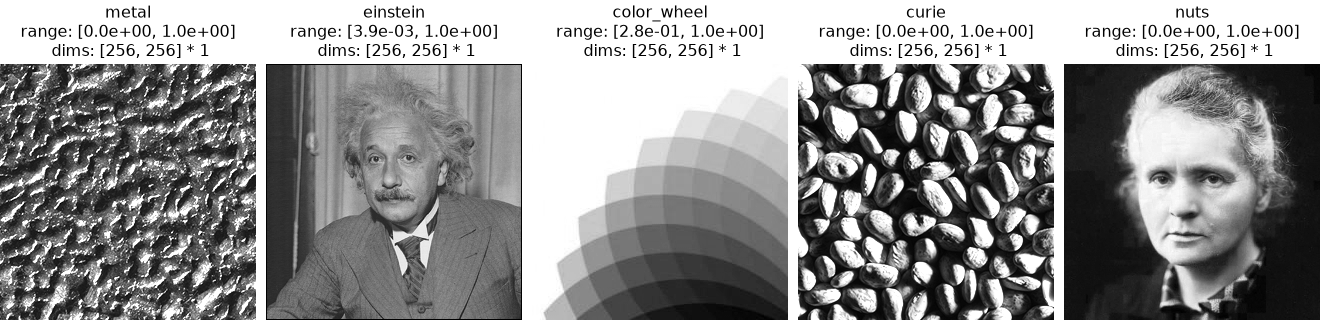
>>> titles = ["metal", "einstein", "color_wheel", "curie", "nuts"]
>>> imgs = po.load_images(img_dir, sorted_key=lambda x: x.name[1])
>>> po.plot.imshow(imgs, title=titles)
<PyrFigure size ... with 5 Axes>