plenoptic.process.blur_downsample#
- plenoptic.process.blur_downsample(image, n_scales=1, filtname='binom5', scale_filter=True)[source]#
Correlate with a named filter and downsample by 2.
This operation allows one to downsample in an alias-resistant manner, removing the high frequencies that would result in aliasing in a smaller image.
- Parameters:
image (
Tensor) – Image, or batch of images, of shape (batch, channel, height, width). Batches and channels are handled independently.n_scales (
int(default:1)) – Apply the blur and downsample procedure recursivelyn_scalestimes. Must be positive.filtname (
str(default:'binom5')) – Name of the filter. Seenamed_filterfor options.scale_filter (
bool(default:True)) – IfTrue, the filter sums to 1 (i.e., it does not affect the DC component of the signal and the output’s mean will approximately match that of the input). IfFalse, the filter sums to 2 (and the output’s mean will be roughly double that of the input).
- Return type:
- Returns:
downsampled_image – The downsampled image.
- Raises:
ValueError – If
n_scalesis not positive.
See also
correlate_downsamplePerform this operation once using a user-specified filter.
upsample_blurPerform the inverse operation, upsampling and convolving a user-specified number of times using a named filter.
shrinkAn alternative downsampling operation.
Examples
>>> import plenoptic as po
>>> import torch
>>> img = po.data.einstein()
>>> downsampled = po.process.blur_downsample(img)
>>> downsampled.shape
torch.Size([1, 1, 128, 128])
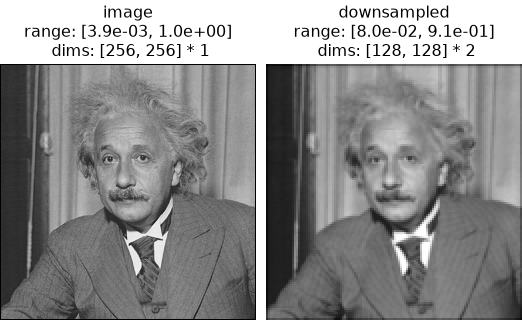
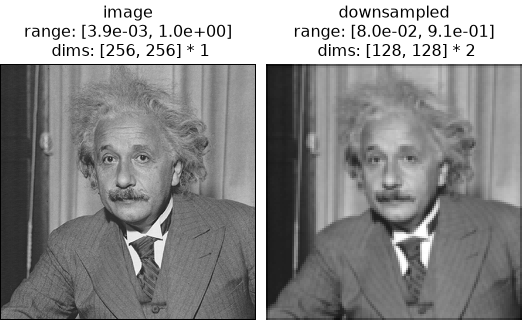
>>> po.plot.imshow([img, downsampled], title=["image", "downsampled"])
<PyrFigure...>
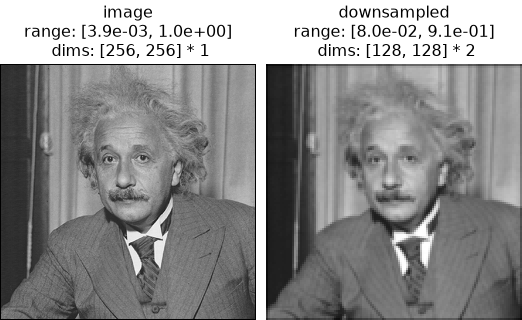
Note that the dimensions have changed.
The
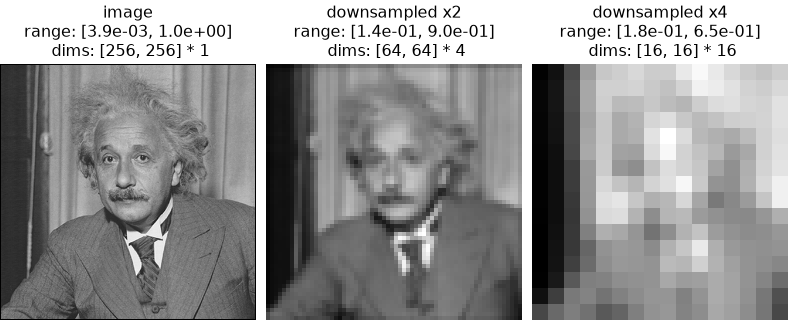
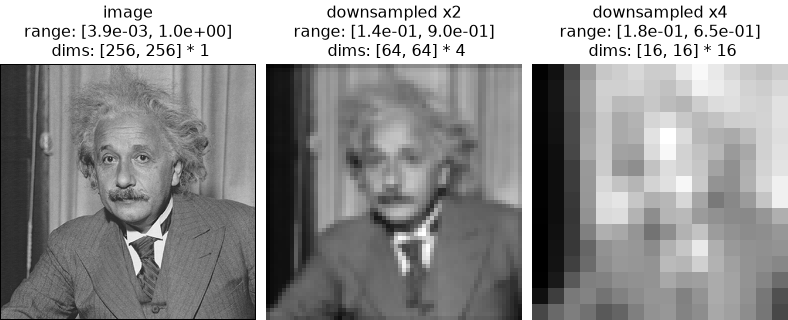
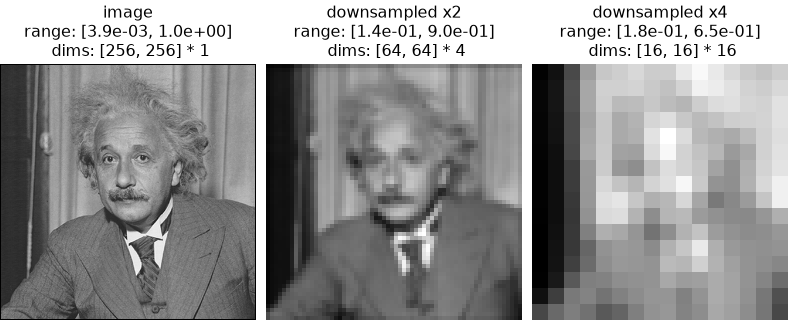
n_scalesargument allows for applying the blurring and downsampling recursively:>>> downsampled_2 = po.process.blur_downsample(img, n_scales=2) >>> downsampled_2.shape torch.Size([1, 1, 64, 64]) >>> downsampled_4 = po.process.blur_downsample(img, n_scales=4) >>> downsampled_4.shape torch.Size([1, 1, 16, 16]) >>> po.plot.imshow( ... [img, downsampled_2, downsampled_4], ... title=["image", "downsampled x2", "downsampled x4"], ... ) <PyrFigure...>
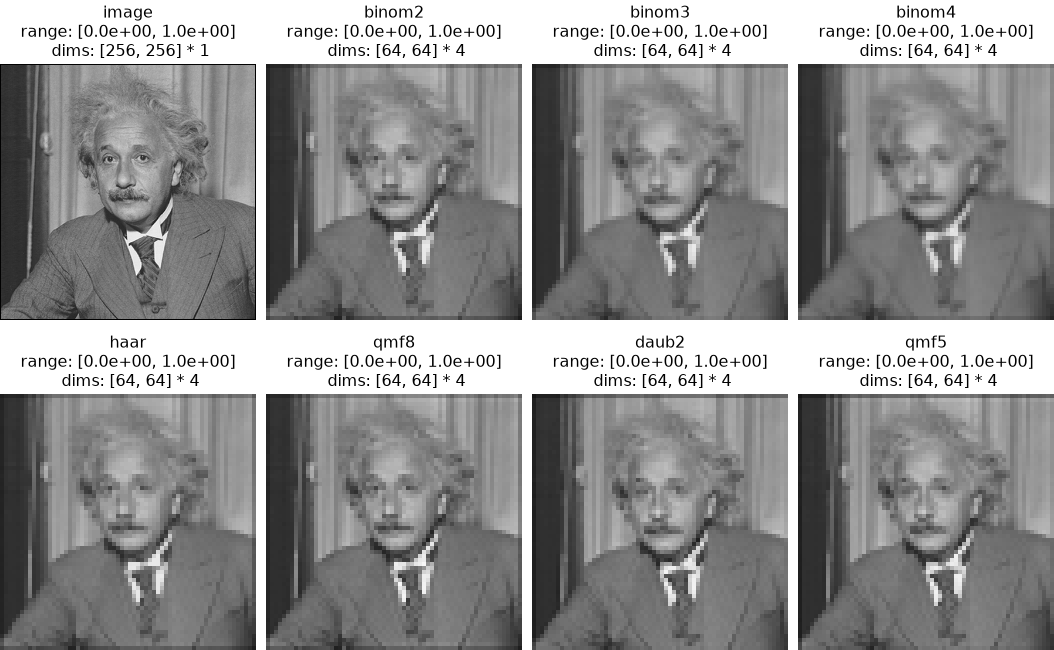
In Plenoptic, we typically use a fifth order binomial filter, but many other filters are available, see
pyrtools.pyramids.filters.named_filterfor a list.>>> named_filters = [ ... "binom2", ... "binom3", ... "binom4", ... "haar", ... "qmf8", ... "daub2", ... "qmf5", ... ] >>> downsampled_filter = [ ... po.process.blur_downsample(img, n_scales=2, filtname=filt) ... for filt in named_filters ... ] >>> po.plot.imshow( ... [img] + downsampled_filter, ... title=["image"] + named_filters, ... col_wrap=4, ... vrange=(0, 1), ... ) <PyrFigure...>
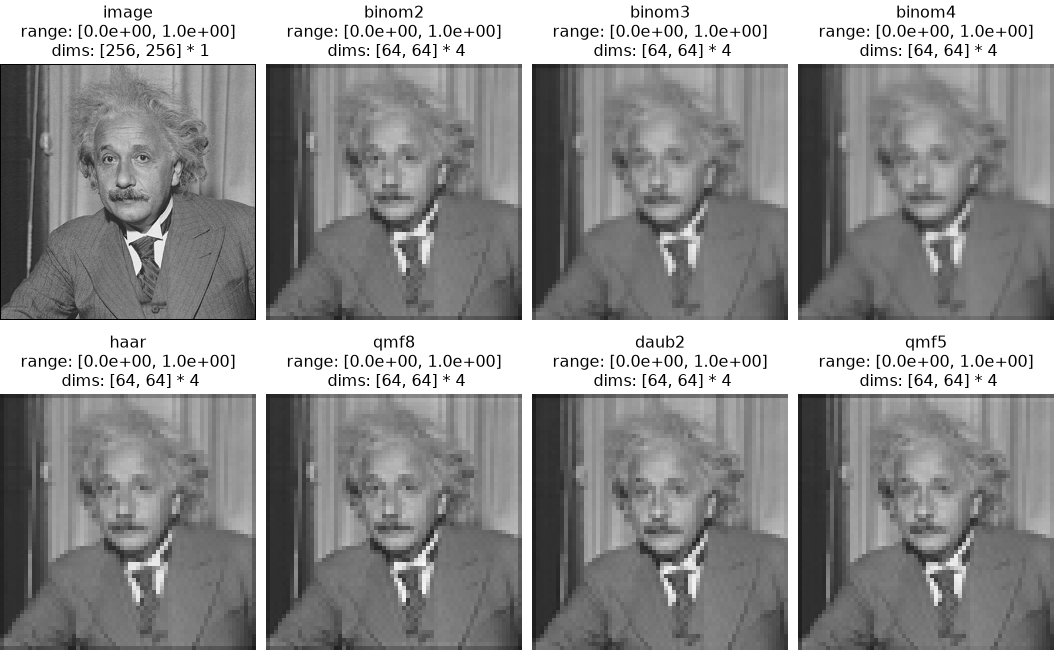
Note that this operation can change the minimum and maximum, and different filters can do so differently:
>>> img.min()
tensor(0.0039)
>>> img.max()
tensor(1.)
>>> for filter_name, downsampled in zip(named_filters, downsampled_filter):
...     print(
...         f"filter: {filter_name}, "
...         f"min={downsampled.min():.2f}, "
...         f"max={downsampled.max():.2f}"
...     )
filter: binom2, min=0.11, max=0.92
filter: binom3, min=0.11, max=0.91
filter: binom4, min=0.15, max=0.90
filter: haar, min=0.11, max=0.92
filter: qmf8, min=0.12, max=0.97
filter: daub2, min=0.09, max=0.95
filter: qmf5, min=0.09, max=0.94
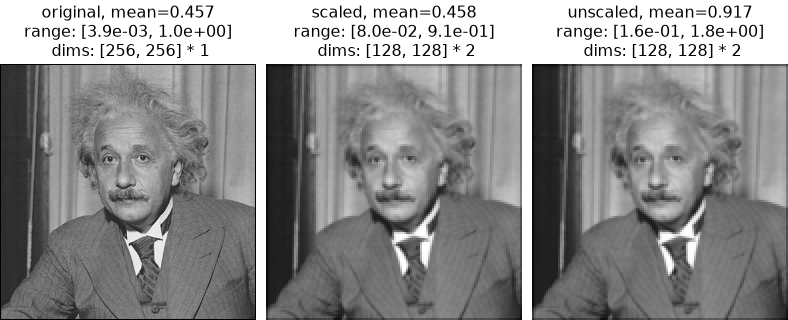
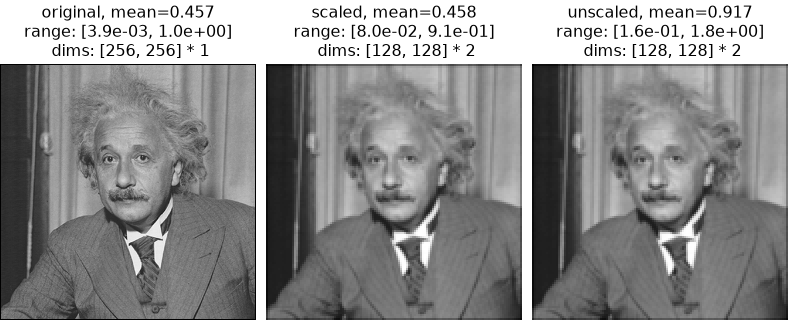
The
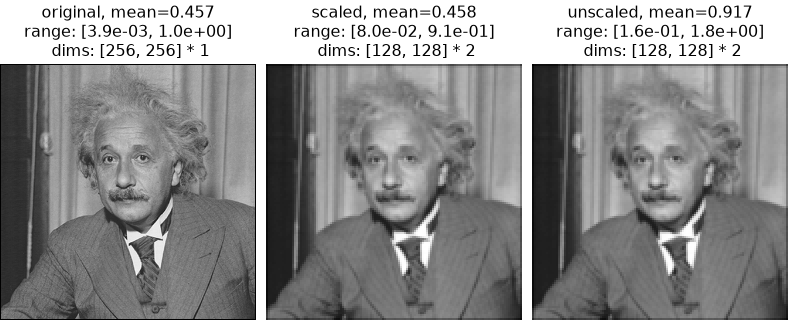
scale_filterargument forces the filter to sum to 1, making the mean of the output approximately match that of the input. If set toFalse, the filter will sum to 2, and the output’s mean will be approximately double that of the input:>>> downsampled_nonscaled = po.process.blur_downsample(img, scale_filter=False) >>> torch.allclose(img.mean(), downsampled.mean(), atol=1e-2) True >>> torch.allclose(img.mean(), downsampled_nonscaled.mean() / 2, atol=1e-2) True >>> po.plot.imshow( ... [img, downsampled, downsampled_nonscaled], ... title=[ ... f"original, mean={img.mean().item():.3f}", ... f"scaled, mean={downsampled.mean().item():.3f}", ... f"unscaled, mean={downsampled_nonscaled.mean().item():.3f}", ... ], ... ) <PyrFigure...>