plenoptic.process.shrink#
- plenoptic.process.shrink(x, factor)[source]#
Shrink a signal by a factor.
We do this in the frequency domain: cropping out the center of the Fourier transform of
x, putting it in a new tensor, and taking the IFFT.- Parameters:
- Return type:
- Returns:
expanded – The expanded signal.
- Raises:
ValueError – If
factoris less than or equal to 1.ValueError – If the height or width of
xdivided byfactoris not an integer.
See also
expandThe inverse operation.
blur_downsampleAn alternative downsampling operation.
Examples
>>> import plenoptic as po
>>> import torch
>>> img = po.data.einstein()
>>> img.shape
torch.Size([1, 1, 256, 256])
>>> shrunk = po.process.shrink(img, factor=2)
>>> shrunk.shape
torch.Size([1, 1, 128, 128])
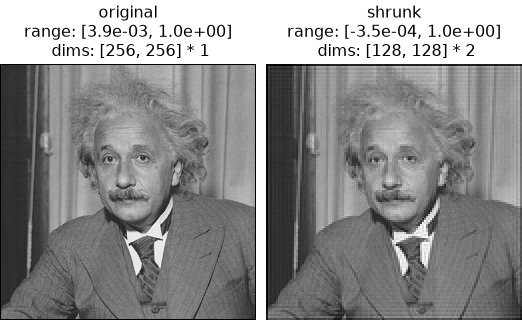
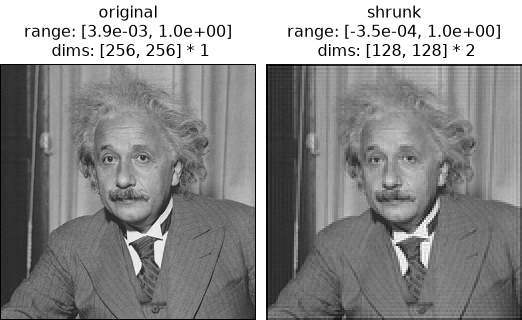
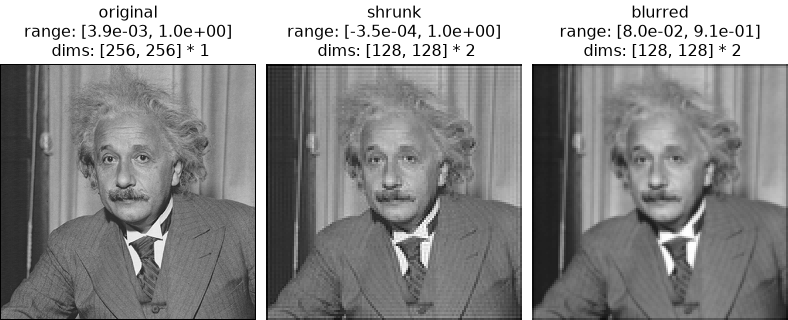
>>> po.plot.imshow([img, shrunk], title=["original", "shrunk"])
<PyrFigure...>
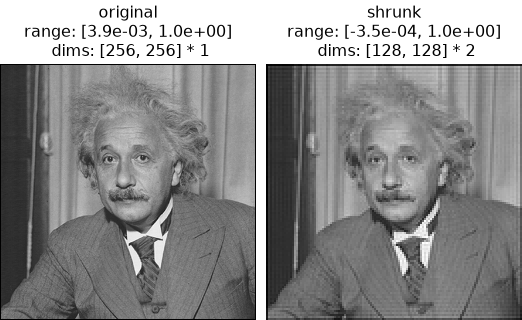
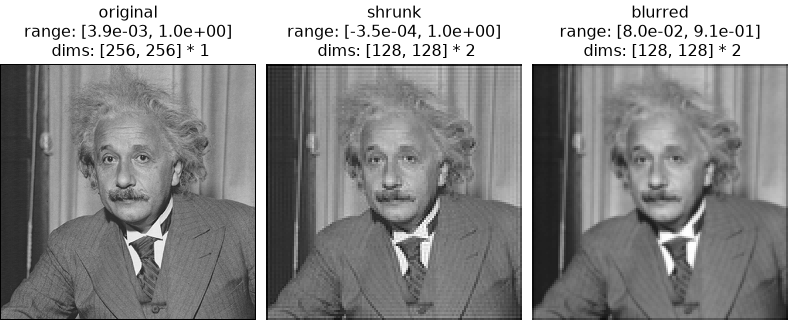
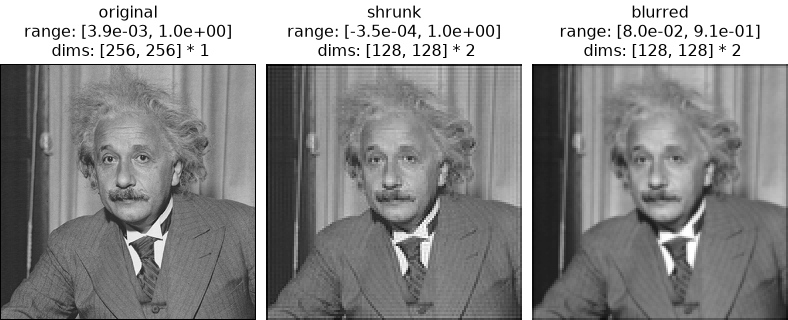
Note the horizontal/vertical lines in the shrunk version of the image. These are the result of aliasing. To avoid these, use
blur_downsample:>>> po.plot.imshow( ... [img, shrunk, po.process.blur_downsample(img)], ... title=["original", "shrunk", "blurred"], ... ) <PyrFigure...>
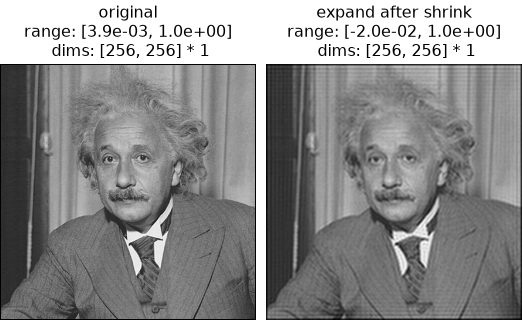
You can invert
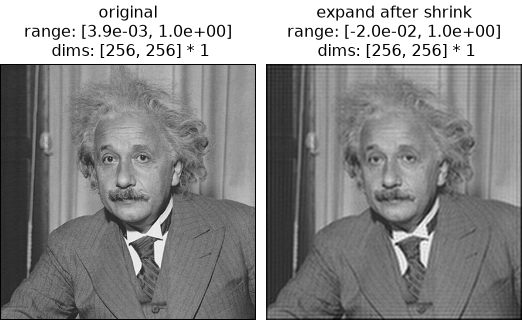
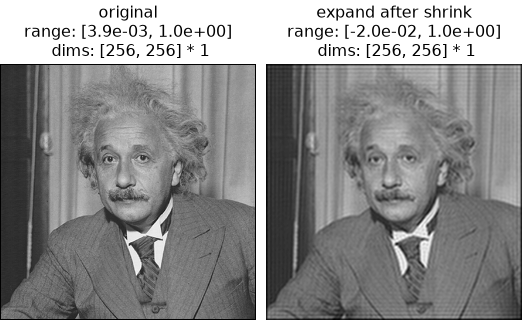
shrinkusingexpand, but the inversion is not perfect; shrinking discards information that can not be recovered:>>> expand_after_shrink = po.process.expand( ... po.process.shrink(img, factor=2), factor=2 ... ) >>> torch.allclose(img, expand_after_shrink, atol=1e-2) False >>> po.plot.imshow( ... [img, expand_after_shrink], ... title=["original", "expand after shrink"], ... ) <PyrFigure...>
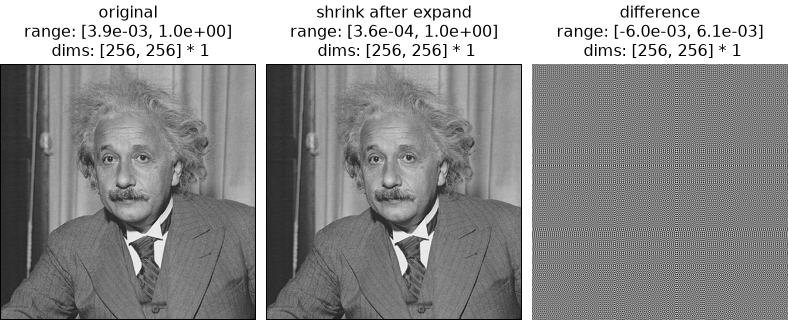
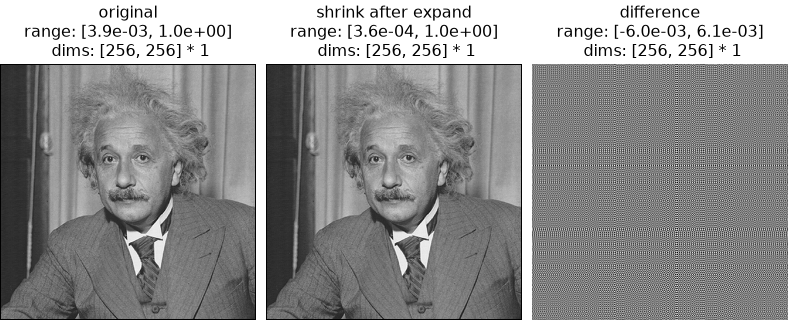
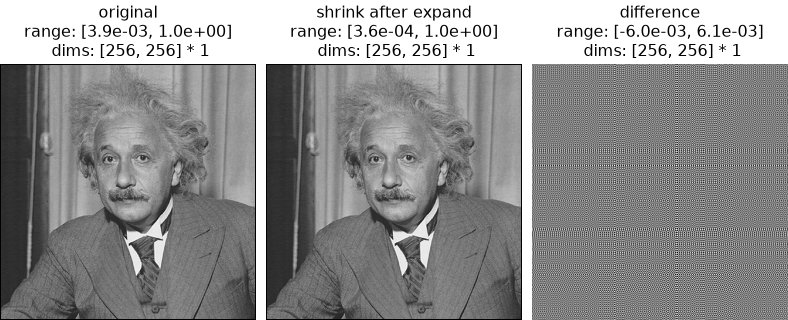
Even in the opposite order, i.e., shrinking an expanded image, the inversion is not perfect. In this example with pixel values between 0 and 1, there are differences on the order of 1e-3:
>>> shrink_after_expand = po.process.shrink(
...     po.process.expand(img, factor=2), factor=2
... )
>>> torch.allclose(img, shrink_after_expand, atol=1e-2)
True
>>> torch.allclose(img, shrink_after_expand, atol=1e-3)
False
>>> po.plot.imshow(
...     [img, shrink_after_expand, img - shrink_after_expand],
...     title=["original", "shrink after expand", "difference"],
... )
<PyrFigure...>