plenoptic.process.same_padding#
- plenoptic.process.same_padding(image, kernel_size, stride=(1, 1), dilation=(1, 1), pad_mode='circular')[source]#
Pad a tensor so that 2D convolution will result in output with same dims.
- Parameters:
image (
Tensor) – Image, or batch of images, with at least 2 dimensions (height and width). Any additional dimensions are handled independently.kernel_size (
tuple[int,int]) – Size of the kernel thatimagewill be convolved with.stride (
int|tuple[int,int] (default:(1, 1))) – Stride argument that will be passed to the convolution function.dilation (
int|tuple[int,int] (default:(1, 1))) – Dilation argument that will be passed to the convolution function.pad_mode (
str(default:'circular')) – How to padimage. Seetorch.nn.functional.padfor possible values.
- Return type:
- Returns:
padded_image – The padded tensor.
- Raises:
ValueError – If
imageis not 4d.
Examples
>>> import plenoptic as po
>>> import torch
>>> img = po.data.einstein()
>>> img.shape
torch.Size([1, 1, 256, 256])
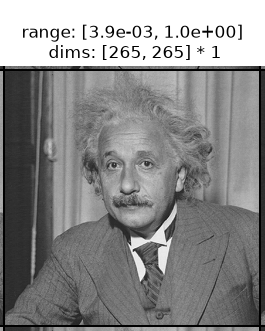
>>> padded = po.process.same_padding(img, kernel_size=(10, 10))
>>> padded.shape
torch.Size([1, 1, 265, 265])
>>> po.plot.imshow(padded)
<PyrFigure...>
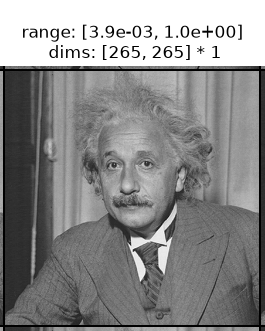
The output grows by
kernel_size - 1in each dimension, so that a subsequent convolution with that kernel returns an output matching the original spatial dimensions.The following convolution functions all use this padding function to return outputs with the same shape as the input:
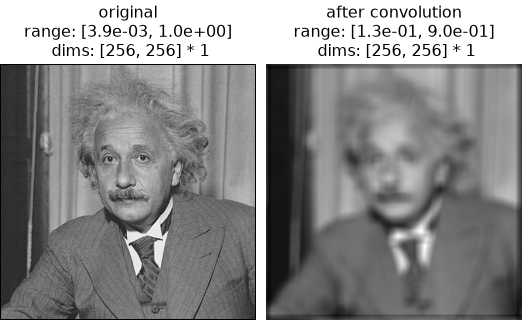
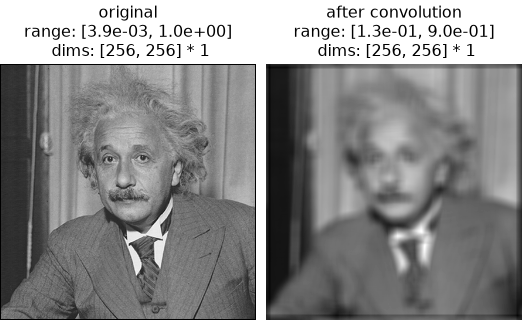
Here, let’s apply a convolution manually and verify the shapes:
>>> kernel = torch.ones(1, 1, 10, 10) / 100
>>> padded = po.process.same_padding(img, kernel_size=(10, 10))
>>> convolved = torch.nn.functional.conv2d(padded, kernel)
>>> convolved.shape
torch.Size([1, 1, 256, 256])
>>> po.plot.imshow(
...     [img, convolved],
...     title=["original", "after convolution"],
... )
<PyrFigure...>
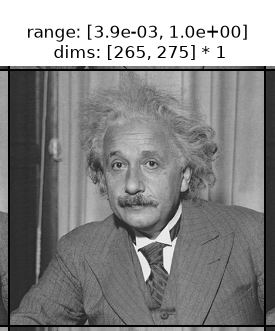
Non-square kernels are supported; padding is computed independently for height and width:
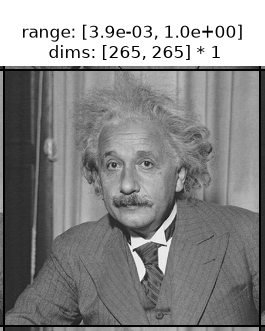
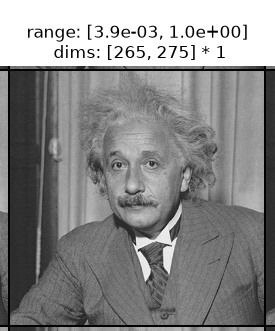
>>> padded_rect = po.process.same_padding(img, kernel_size=(10, 20))
>>> padded_rect.shape
torch.Size([1, 1, 265, 275])
>>> po.plot.imshow(padded_rect)
<PyrFigure...>
The
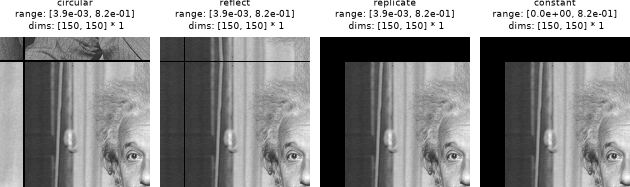
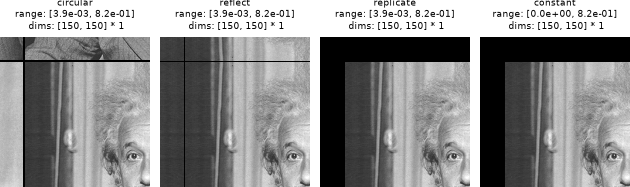
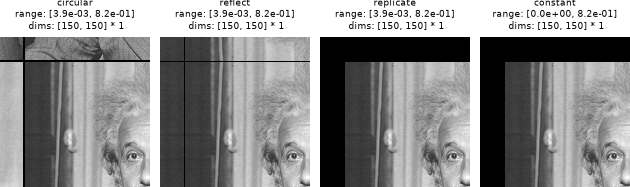
pad_modeargument controls how boundary values are filled. The border of each image shows the filled padding region:>>> pad = 50 >>> pad_modes = ["circular", "reflect", "replicate", "constant"] >>> padded_imgs = [ ... po.process.same_padding(img, kernel_size=(50, 50), pad_mode=m) ... for m in pad_modes ... ] >>> corners = [p[:, :, : pad * 3, : pad * 3] for p in padded_imgs] >>> po.plot.imshow(corners, title=pad_modes) <PyrFigure...>
The
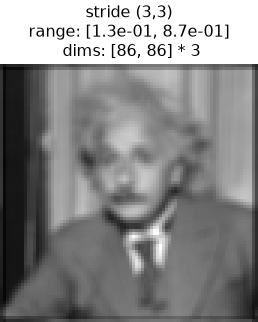
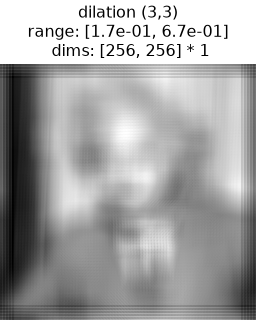
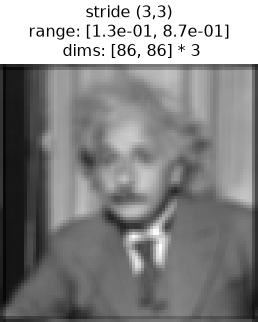
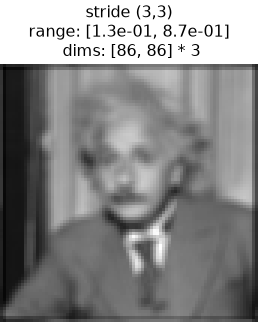
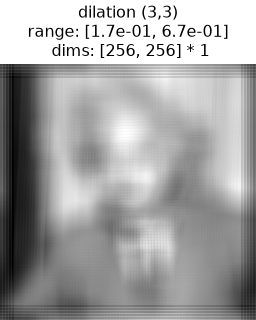
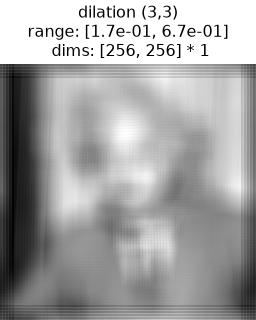
strideanddilationarguments should match those passed to the subsequent convolution. A strided convolution produces a smaller output but still avoids losing edge information. A dilated convolution expands the effective receptive field of the kernel without increasing its parameter count. Seetorch.nn.functional.conv2dfor more information.>>> kernel = torch.ones(1, 1, 10, 10) / 100 >>> padded_stride = po.process.same_padding( ... img, kernel_size=(10, 10), stride=(3, 3) ... ) >>> convolved_stride = torch.nn.functional.conv2d( ... padded_stride, kernel, stride=(3, 3) ... ) >>> padded_dilate = po.process.same_padding( ... img, kernel_size=(10, 10), dilation=(3, 3) ... ) >>> convolved_dilate = torch.nn.functional.conv2d( ... padded_dilate, kernel, dilation=(3, 3) ... ) >>> po.plot.imshow(convolved_stride, title="stride (3,3)", zoom=3) <PyrFigure...> >>> po.plot.imshow(convolved_dilate, title="dilation (3,3)") <PyrFigure...>
Note the different dimensions.