plenoptic.process.expand#
- plenoptic.process.expand(x, factor)[source]#
Expand a signal by a factor.
We do this in the frequency domain: pasting the Fourier contents of
xin the center of a larger empty tensor, and then taking the inverse FFT.- Parameters:
- Return type:
- Returns:
expanded – The expanded signal.
- Raises:
ValueError – If
factoris less than or equal to 1.ValueError – If
factortimes the height or width ofxis not an integer.
See also
shrinkThe inverse operation.
upsample_blurAn alternative upsampling operation.
Examples
>>> import plenoptic as po
>>> import torch
>>> img = po.data.einstein()
>>> img.shape
torch.Size([1, 1, 256, 256])
>>> expanded = po.process.expand(img, factor=2)
>>> expanded.shape
torch.Size([1, 1, 512, 512])
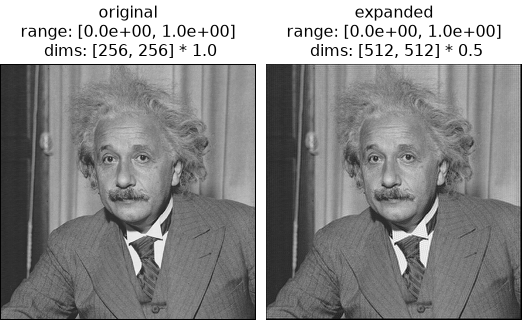
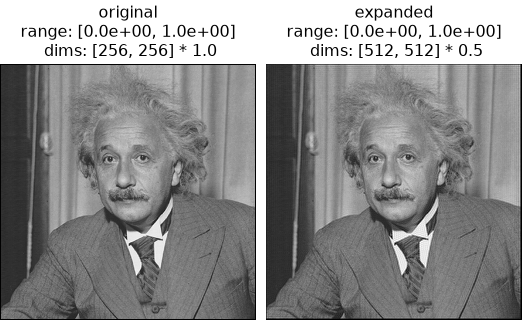
>>> po.plot.imshow(
...     [img, expanded], title=["original", "expanded"], zoom=0.5, vrange=(0, 1)
... )
<PyrFigure...>
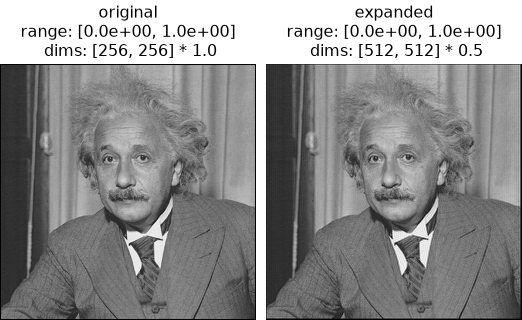
Note that the range has changed:
>>> img.min(), img.max()
(tensor(0.0039), tensor(1.))
>>> expanded.min(), expanded.max()
(tensor(-0.1648), tensor(1.0239))
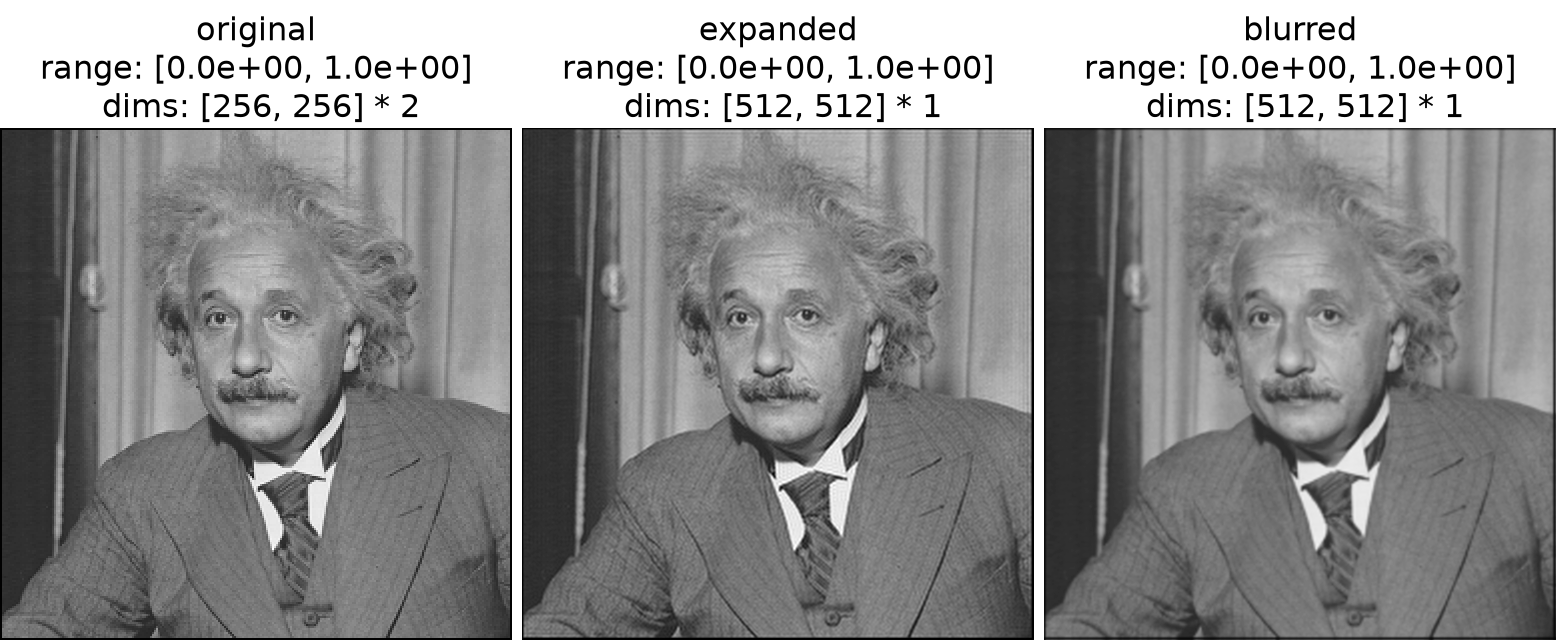
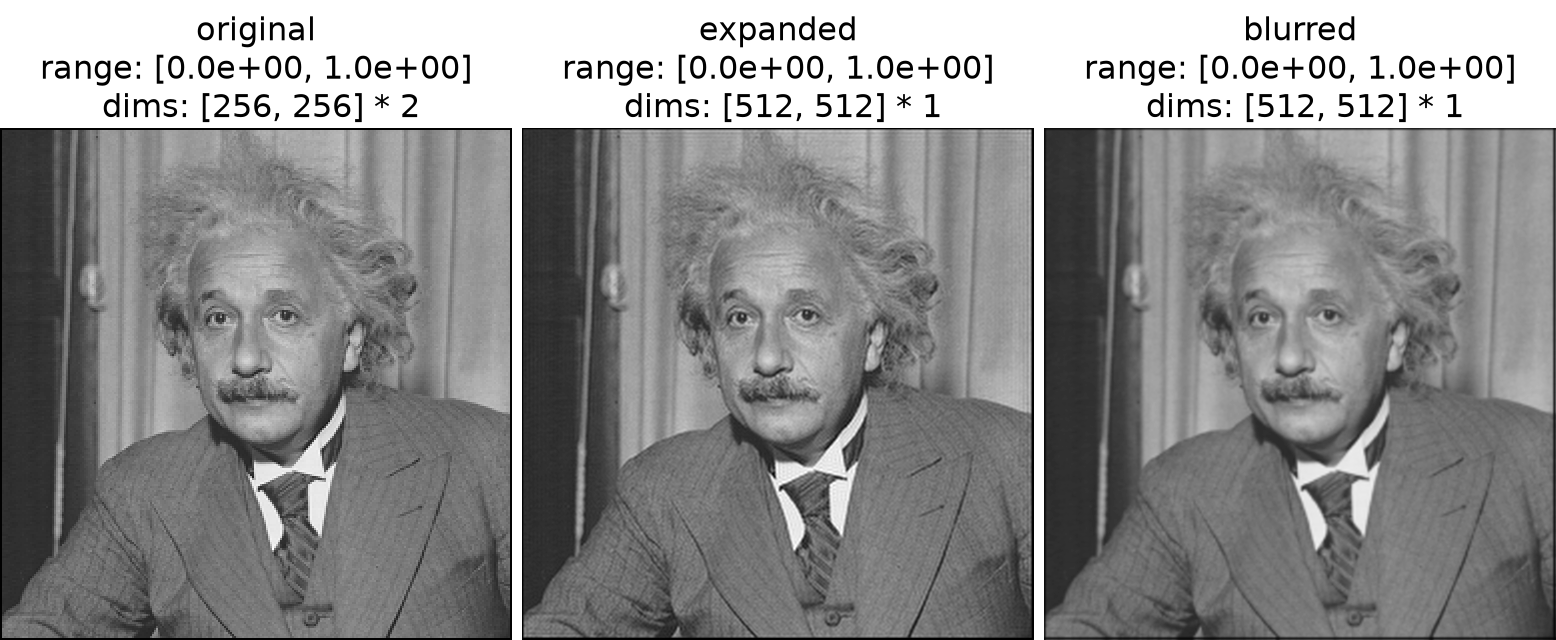
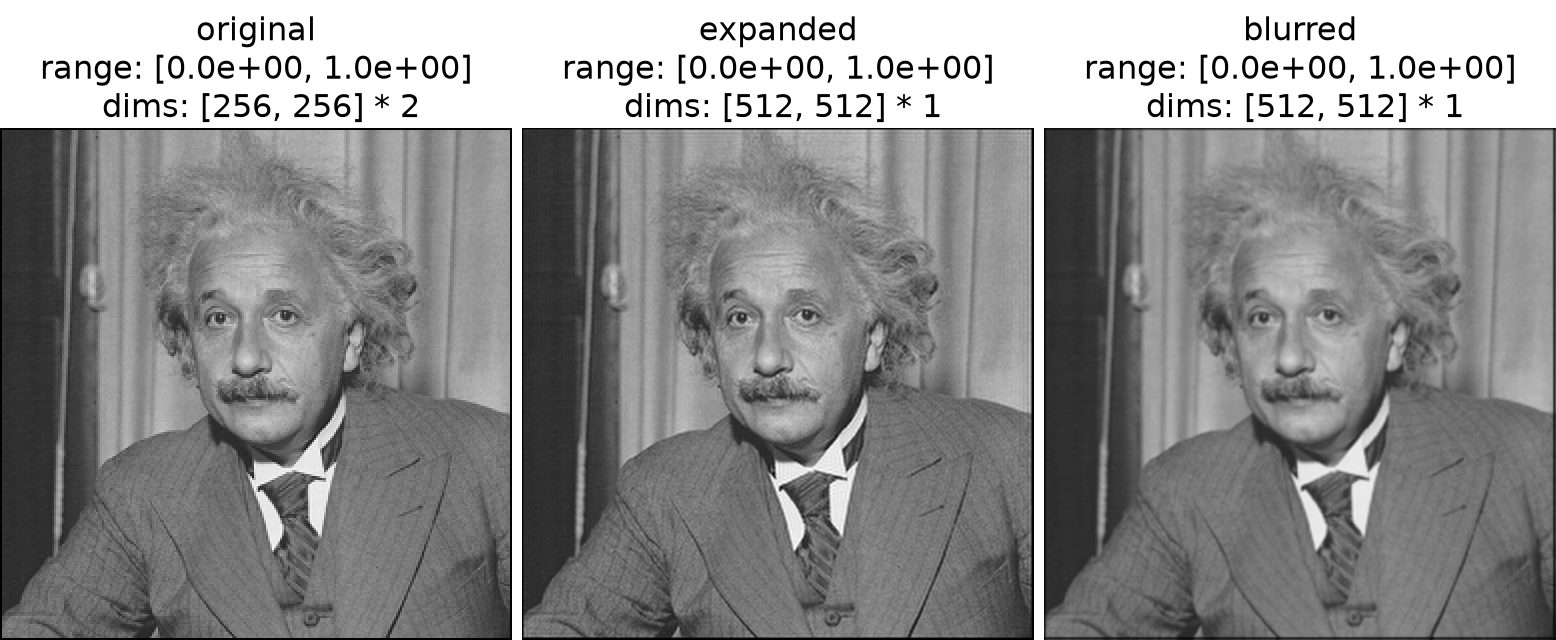
An alternative method for upsampling images is to use
upsample_blur:>>> po.plot.imshow( ... [img, expanded, po.process.upsample_blur(img, (0, 0))], ... title=["original", "expanded", "blurred"], ... vrange=(0, 1), ... ) <PyrFigure...>