plenoptic.process.autocorrelation#
- plenoptic.process.autocorrelation(x)[source]#
Compute the autocorrelation of
x.This uses the Fourier transform to compute the autocorrelation in an efficient manner (see Notes).
- Parameters:
x (
Tensor) – N-dimensional tensor. We assume the last two dimension are height and width and compute you autocorrelation on these dimensions (independently on each other dimension).- Return type:
- Returns:
ac – Autocorrelation of
x.
Notes
By the Einstein-Wiener-Khinchin theorem: The autocorrelation of a wide sense stationary (WSS) process is the inverse Fourier transform of its energy spectrum (ESD) - which itself is the multiplication between FT(x(t)) and FT(x(-t)). In other words, the auto-correlation is convolution of the signal
xwith itself, which corresponds to squaring in the frequency domain. This approach is computationally more efficient than brute force (\(n log(n)\) vs \(n^2\)).By Cauchy-Swartz, the autocorrelation attains it is maximum at the center location (ie. no shift) - that maximum value is the signal’s variance (assuming that the input signal is mean centered).
Examples
>>> import plenoptic as po
>>> import torch
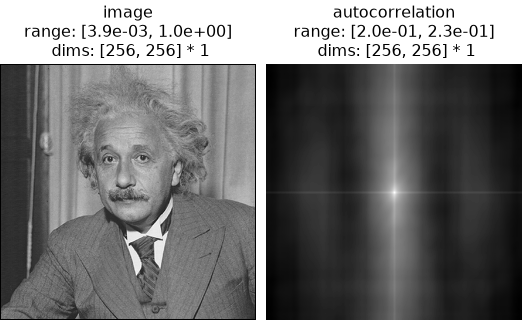
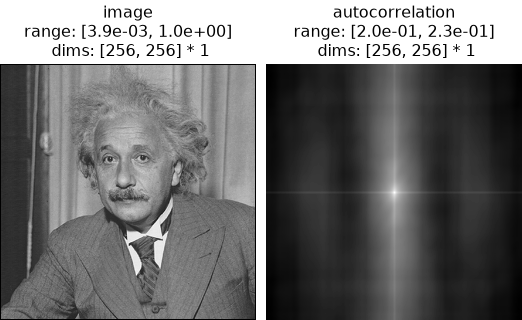
>>> img = po.data.einstein()
>>> ac = po.process.autocorrelation(img)
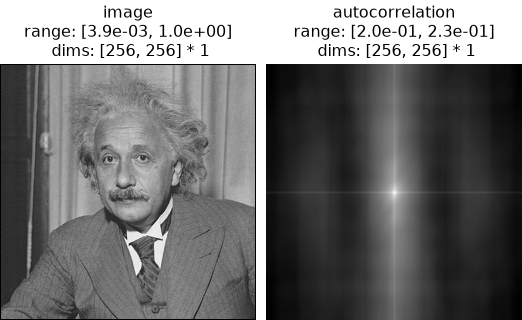
>>> po.plot.imshow([img, ac], title=["image", "autocorrelation"])
<PyrFigure...>
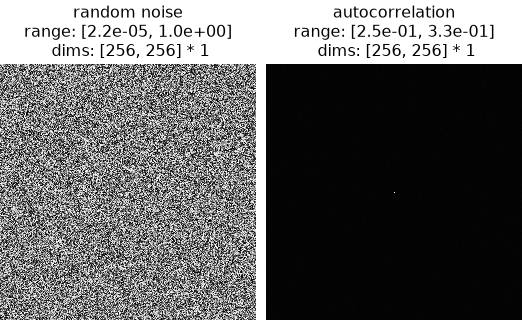
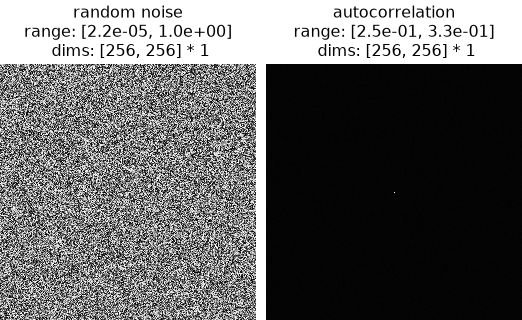
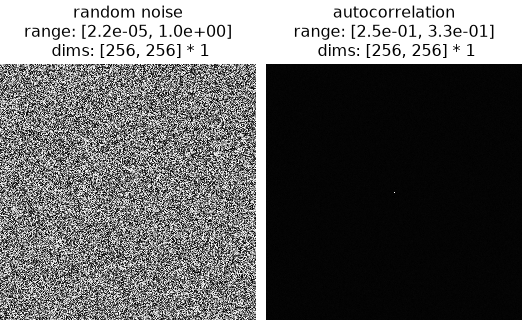
If we start from random noise, we do not see the correlation structure that is found in natural images:
>>> random_img = torch.rand(size=(1, 1, 256, 256))
>>> ac_noise = po.process.autocorrelation(random_img)
>>> po.plot.imshow(
...     [random_img, ac_noise], title=["random noise", "autocorrelation"]
... )
<PyrFigure...>
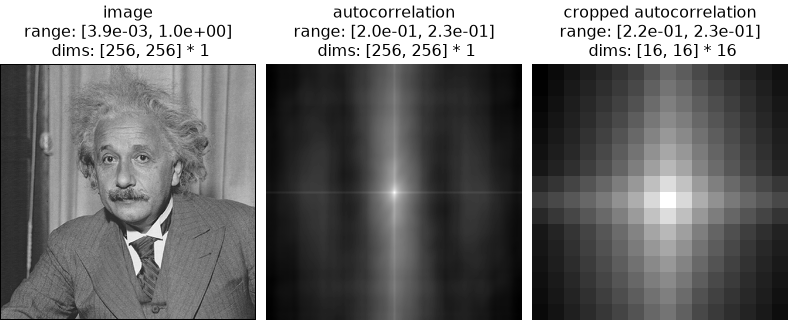
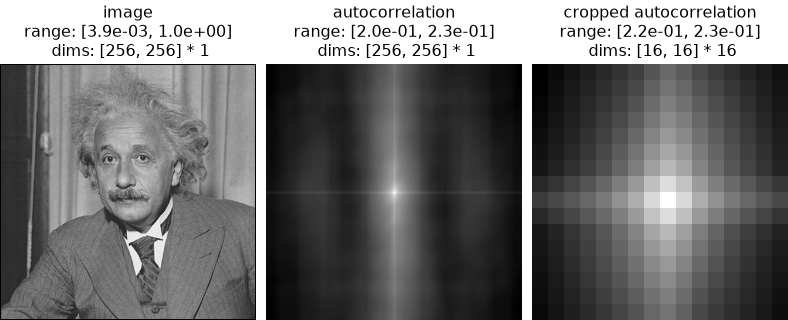
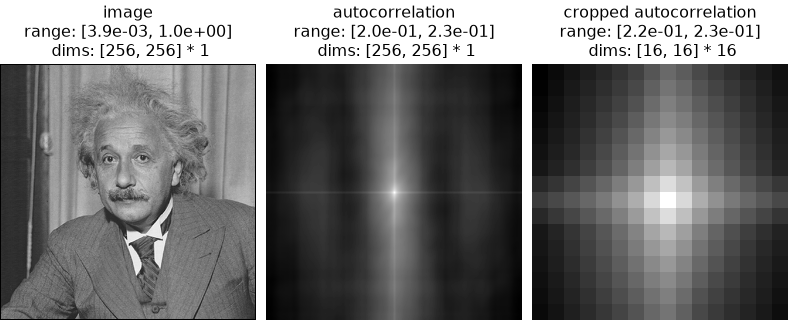
Plenoptic models typically do not use the full autocorrelation, but rather the first couple shifts only. Using a combination of this function and
center_crop, that is easily achieved:>>> ac_cropped = po.process.center_crop(ac, 16) >>> po.plot.imshow( ... [img, ac, ac_cropped], ... title=["image", "autocorrelation", "cropped autocorrelation"], ... ) <PyrFigure...>